How To Connect Jira As A Data Source
Follow this guide to securely integrate your Jira instance with RevSure. This process covers creating the necessary API tokens and configuring your site credentials.
Navigate to Data Hub - Data Sources
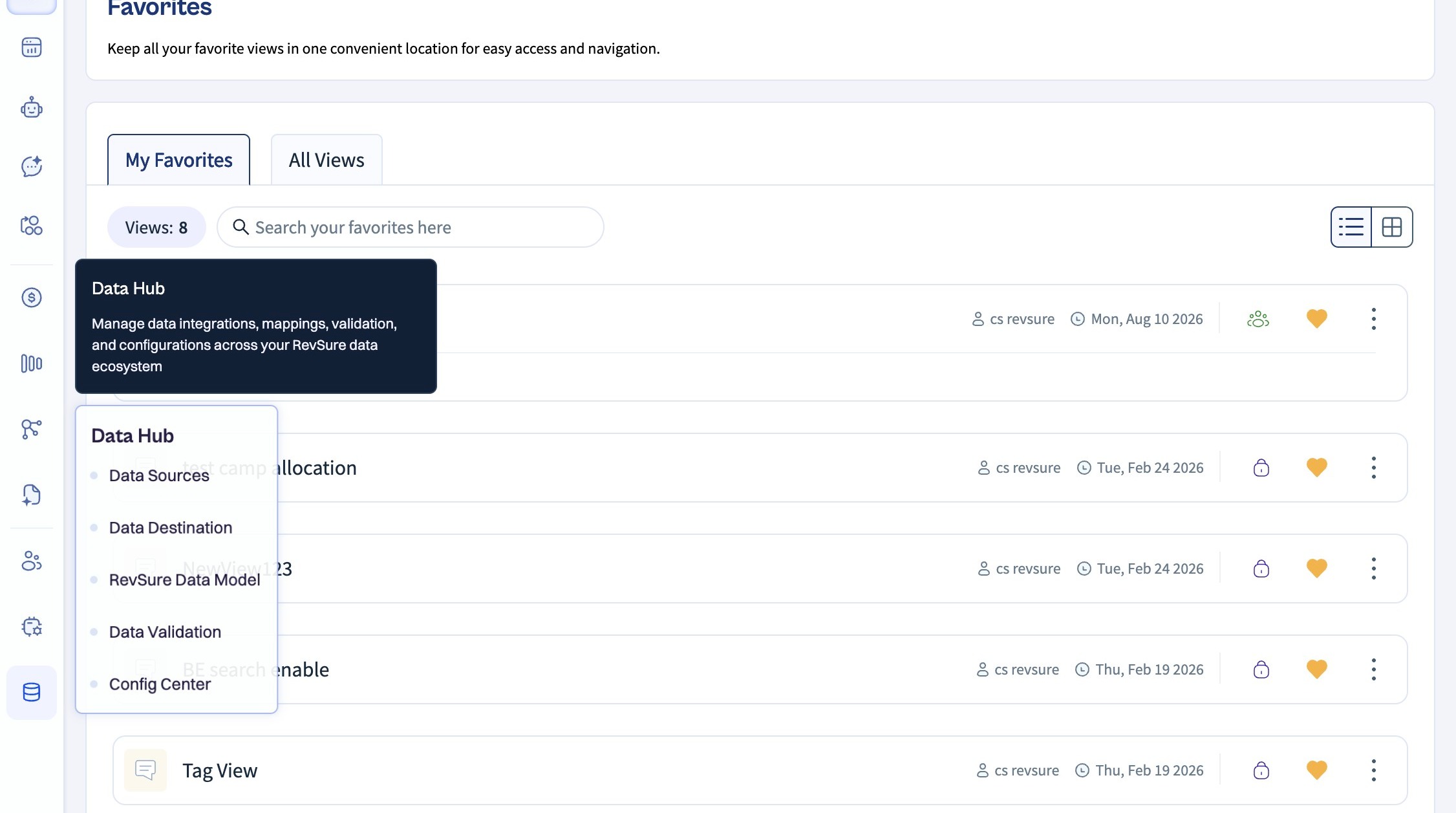
Data Source Navigation
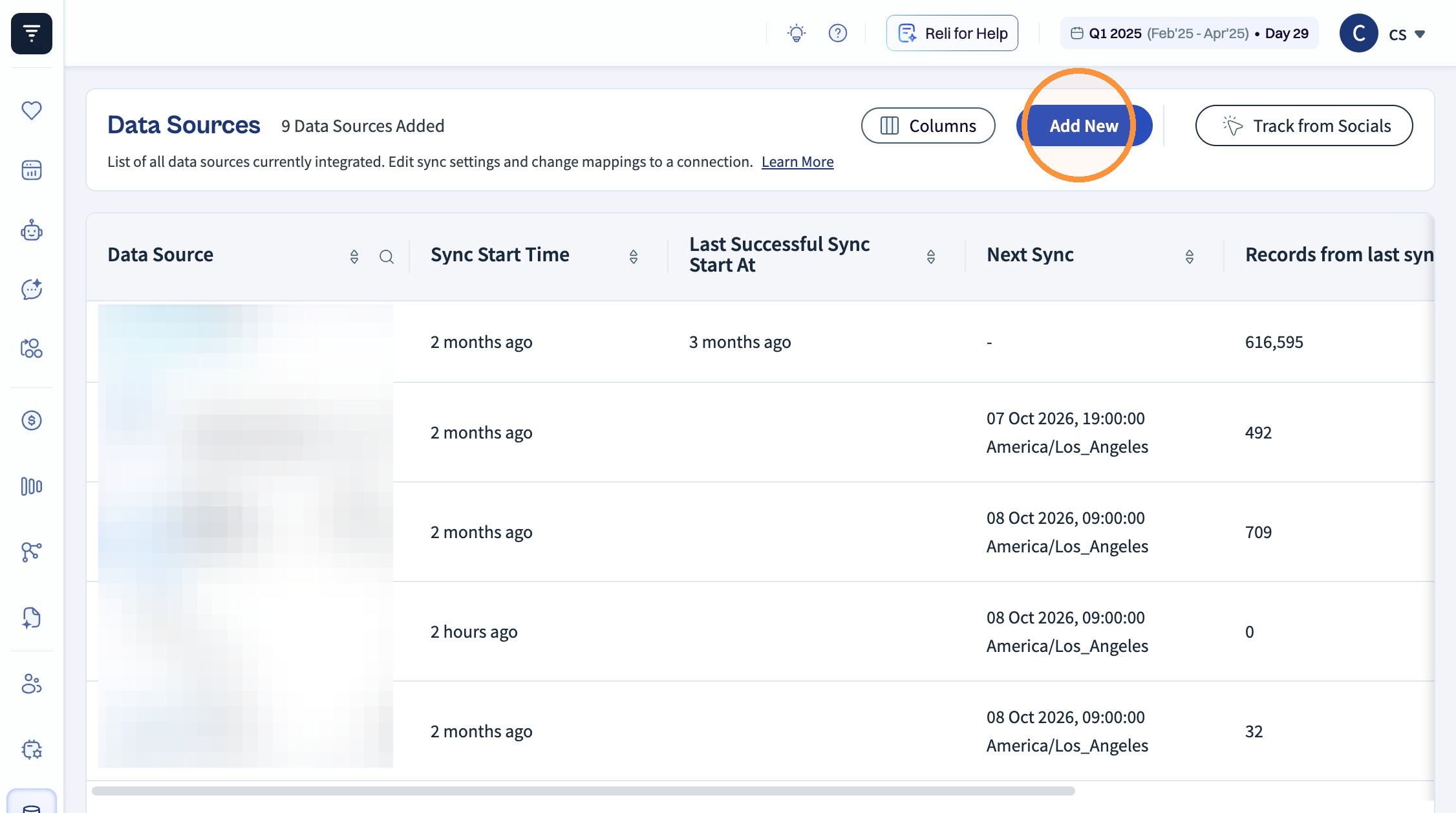
Click "Add New"
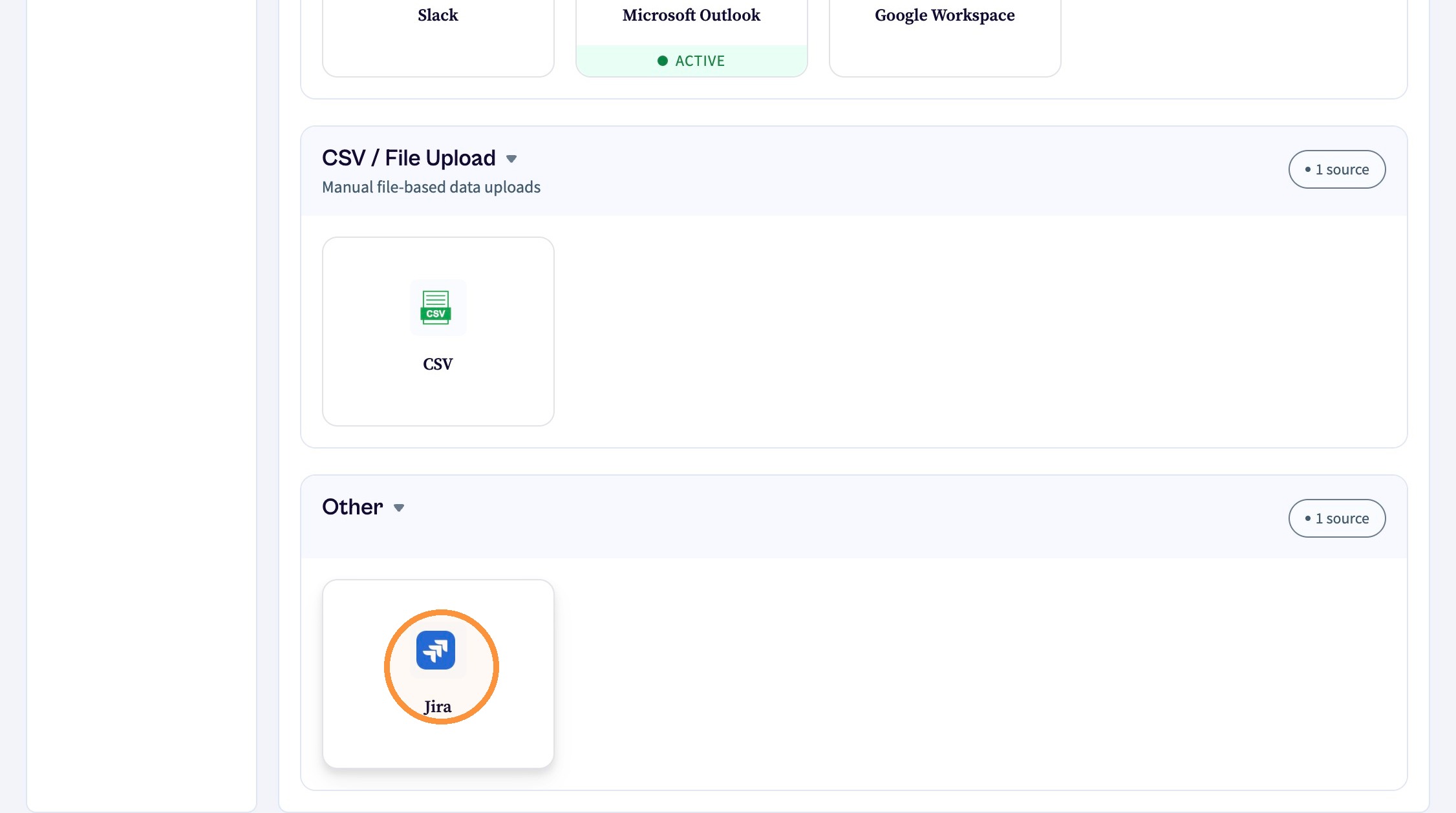
Scroll and Click "Jira"
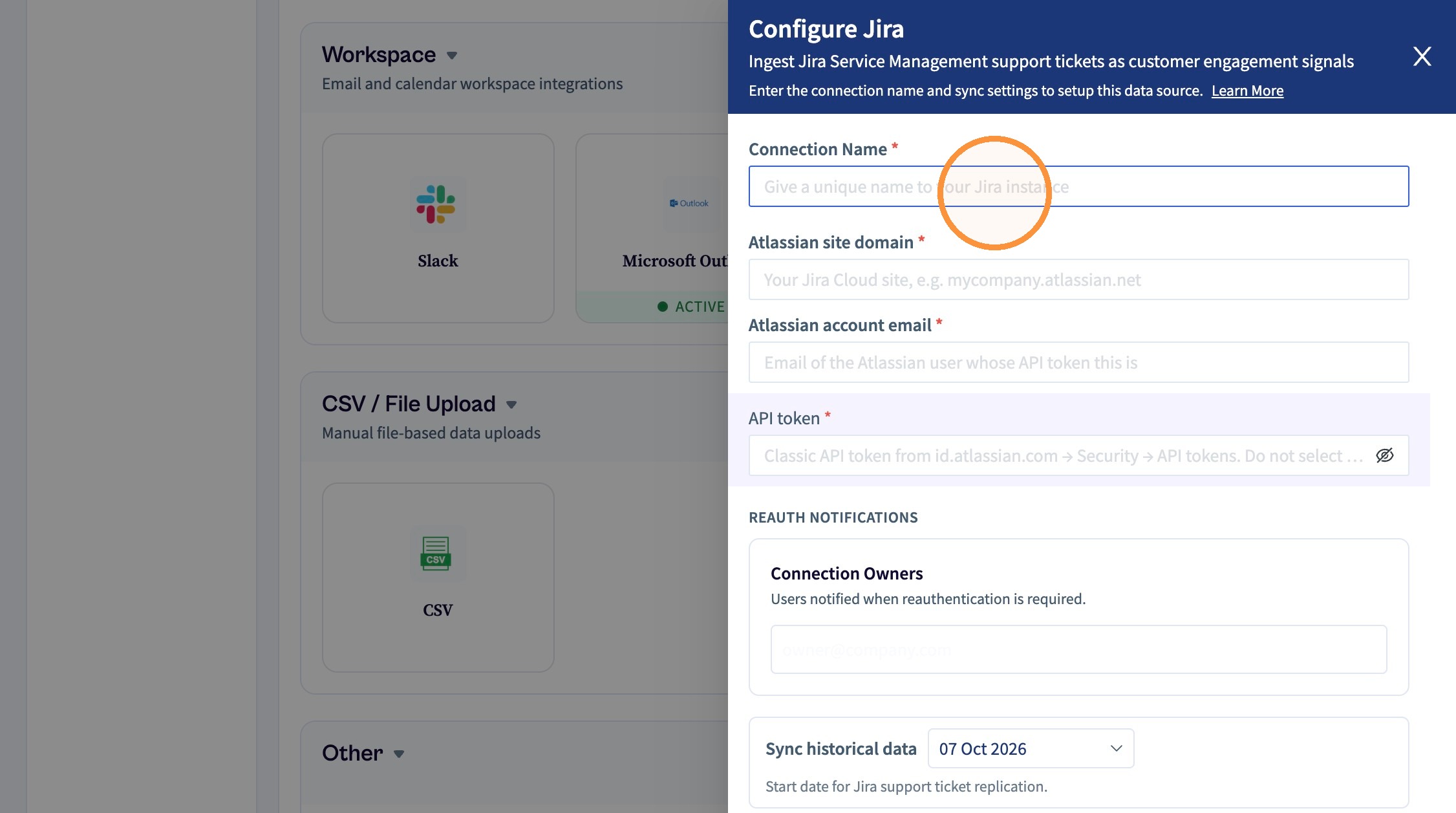
Give a Connection name
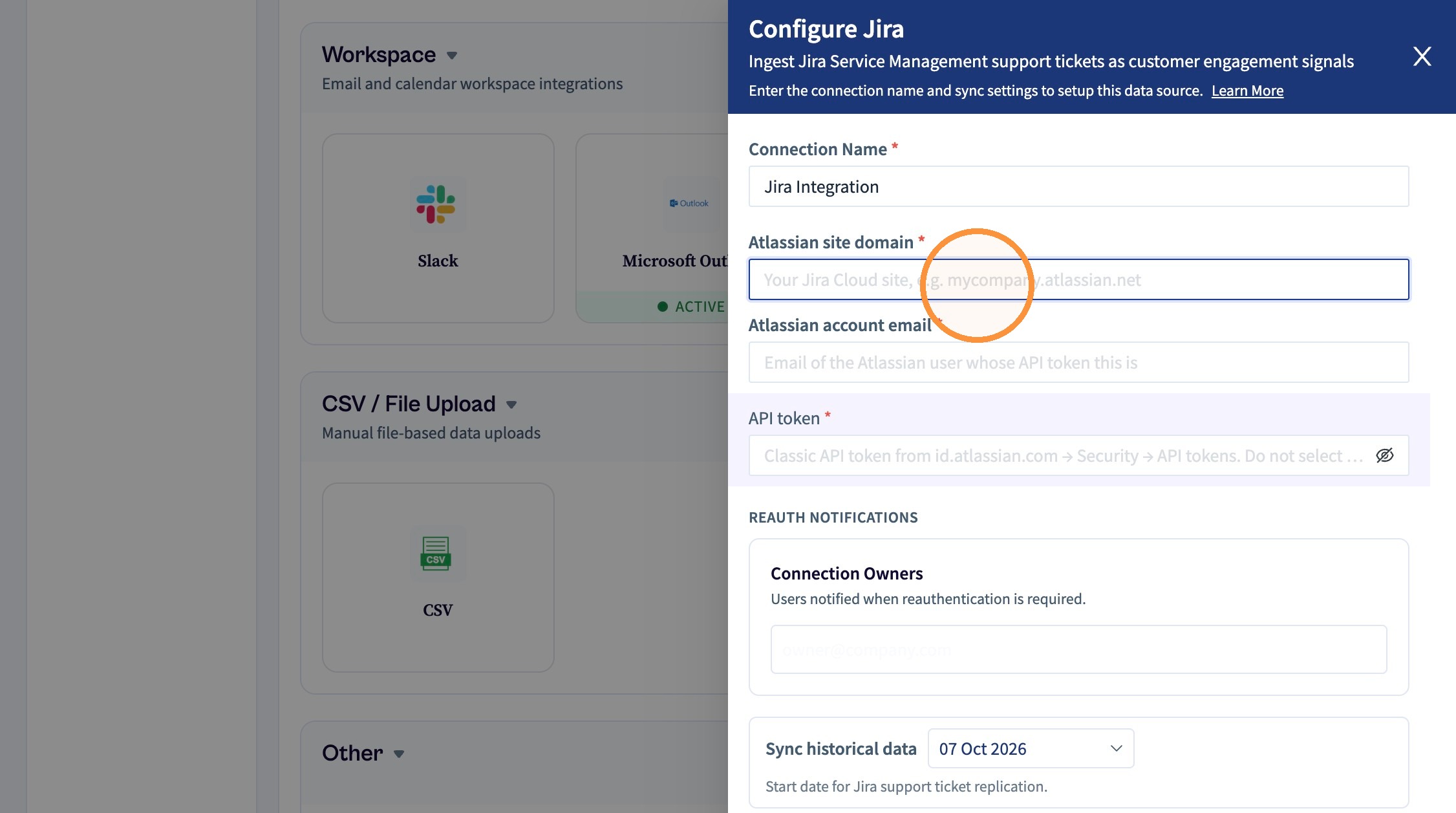
You have to enter your Jira site domain. Open your Jira dashboard and you will it find it there. It will be like -
<company>.atlassian.net
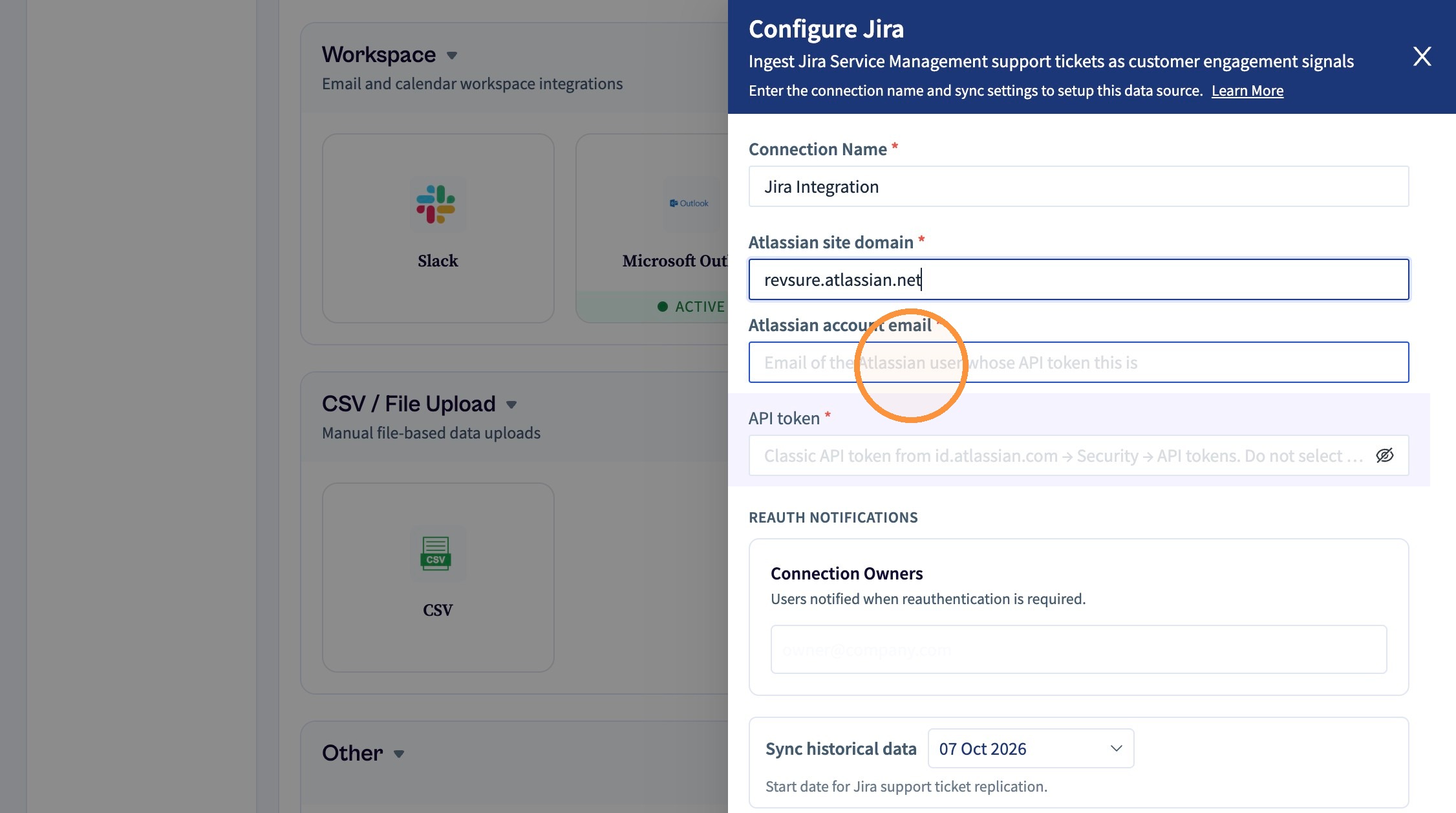
You have to add the exact email account that is used for creating the API token
API Token Creation
Switch to tab Atlassian account | security | api tokens"
https://id.atlassian.com/manage-profile/security/api-tokens
We recommend having the Jira administrator handle this setup because they have global access across all projects.
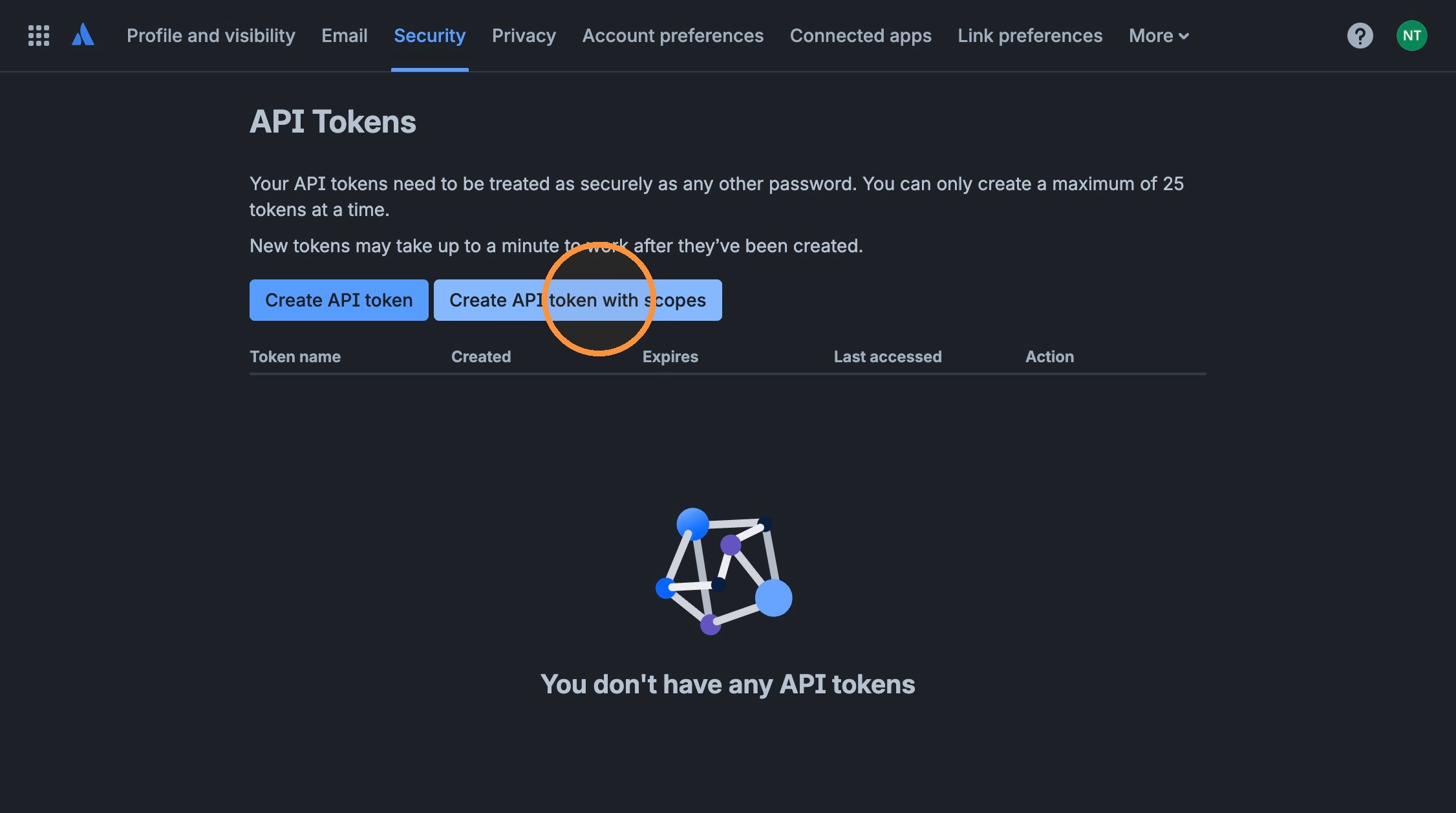
Click "Create API token with scopes"
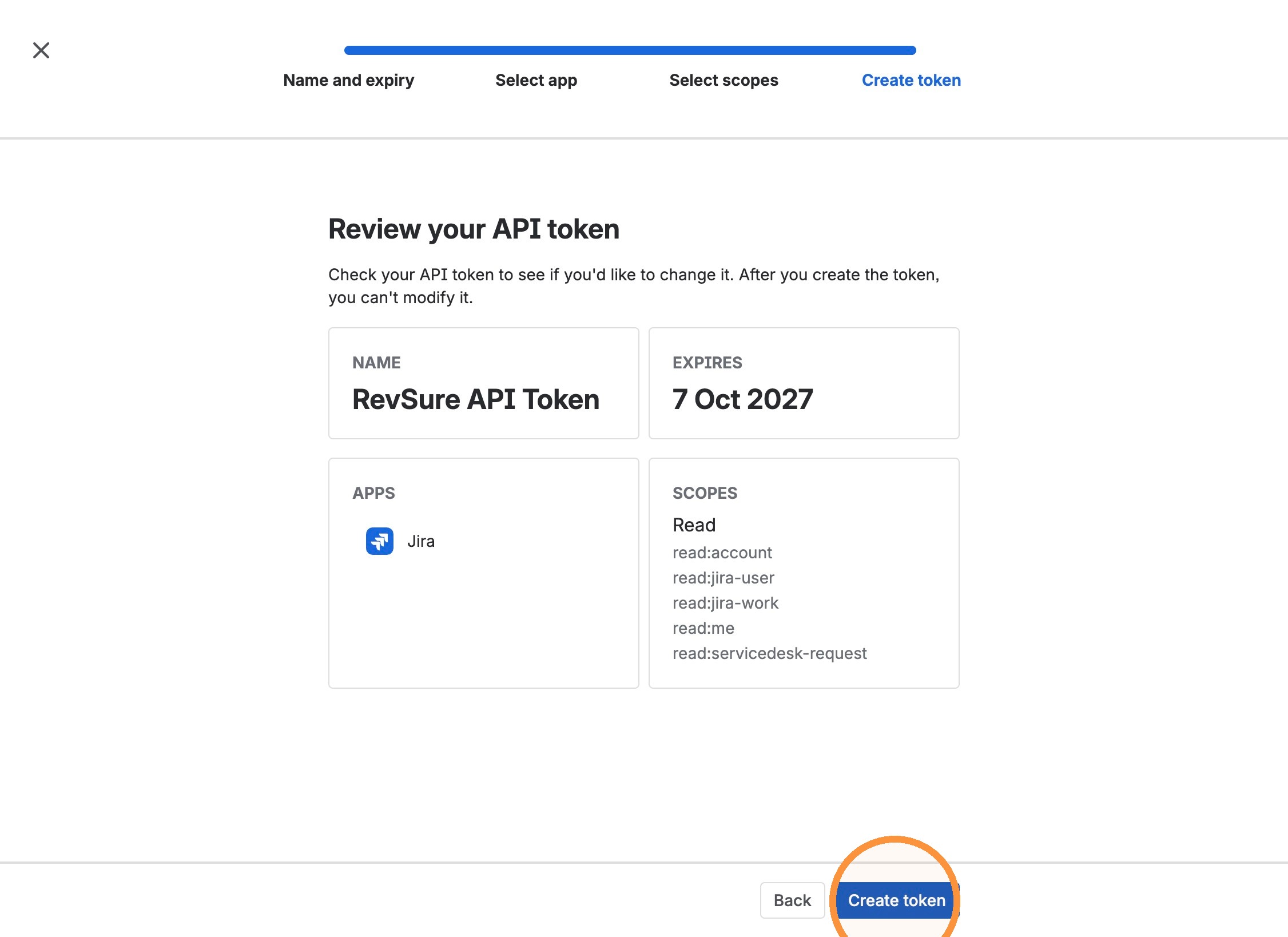
Give a meaningful name so you can know what this API token is used for.
For ex: Revsure API Token
Also its better you set the API token expiry to max. That is 1 year
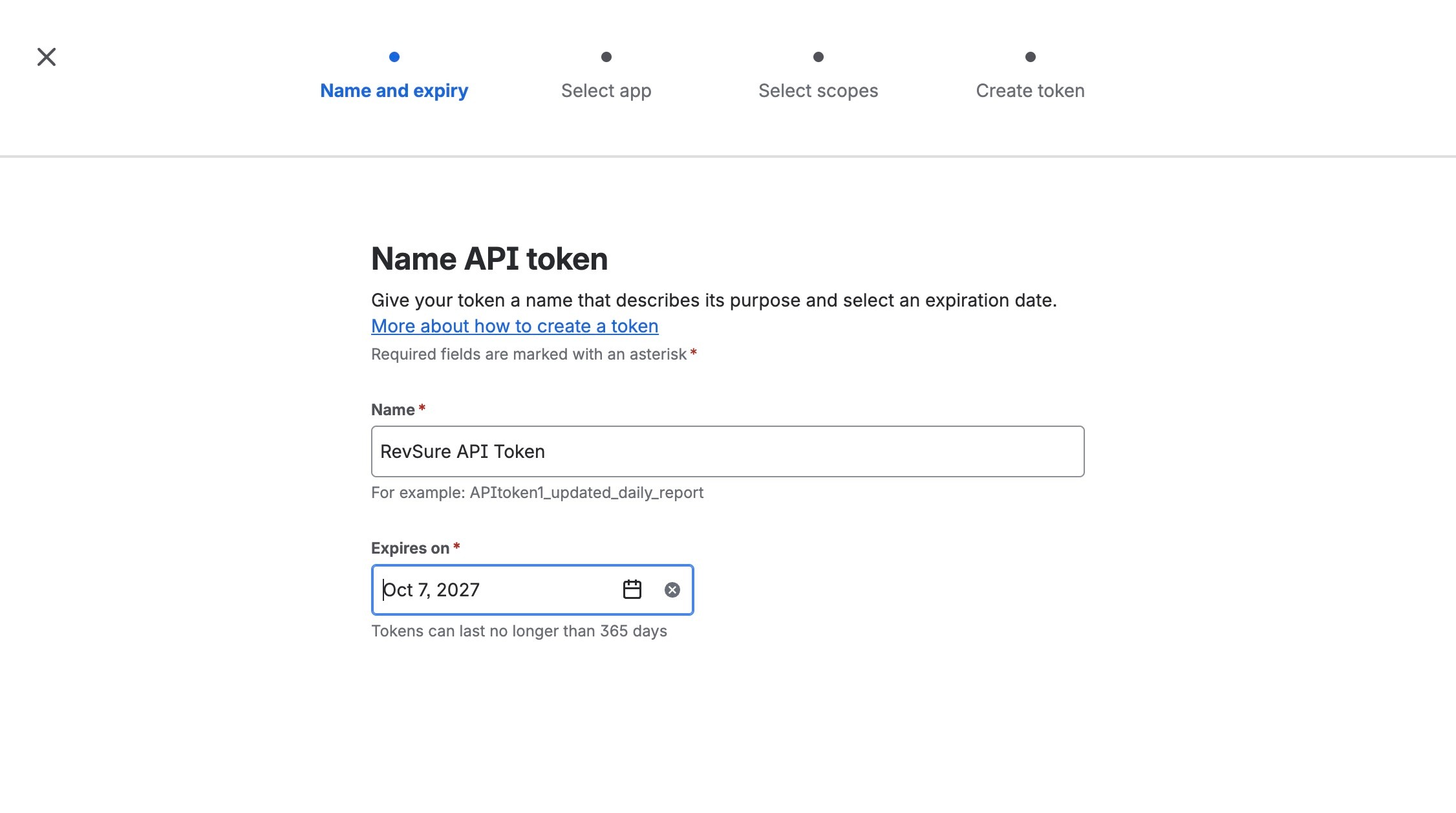
Navigate to next step and find select Jira option and click Next
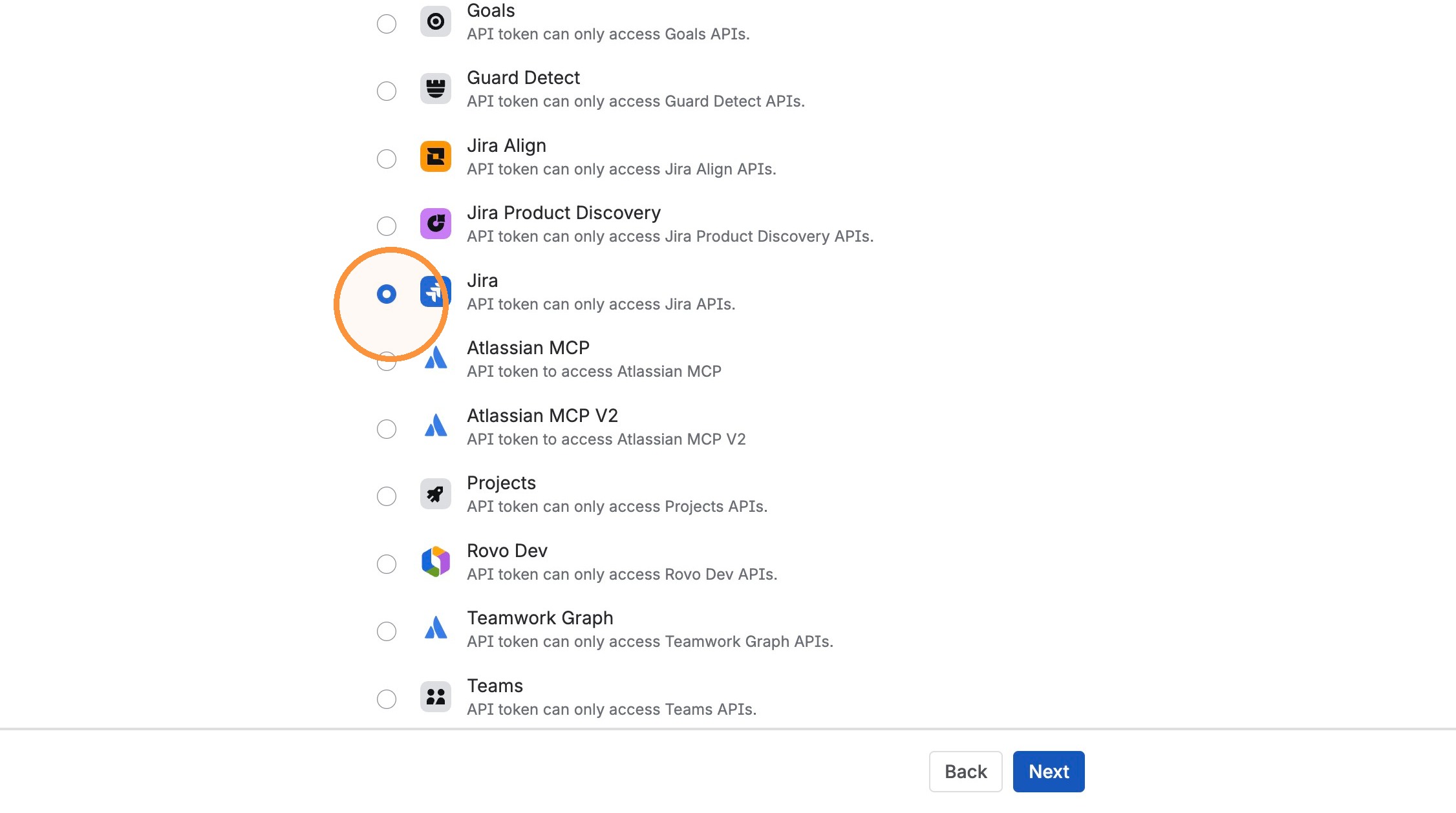
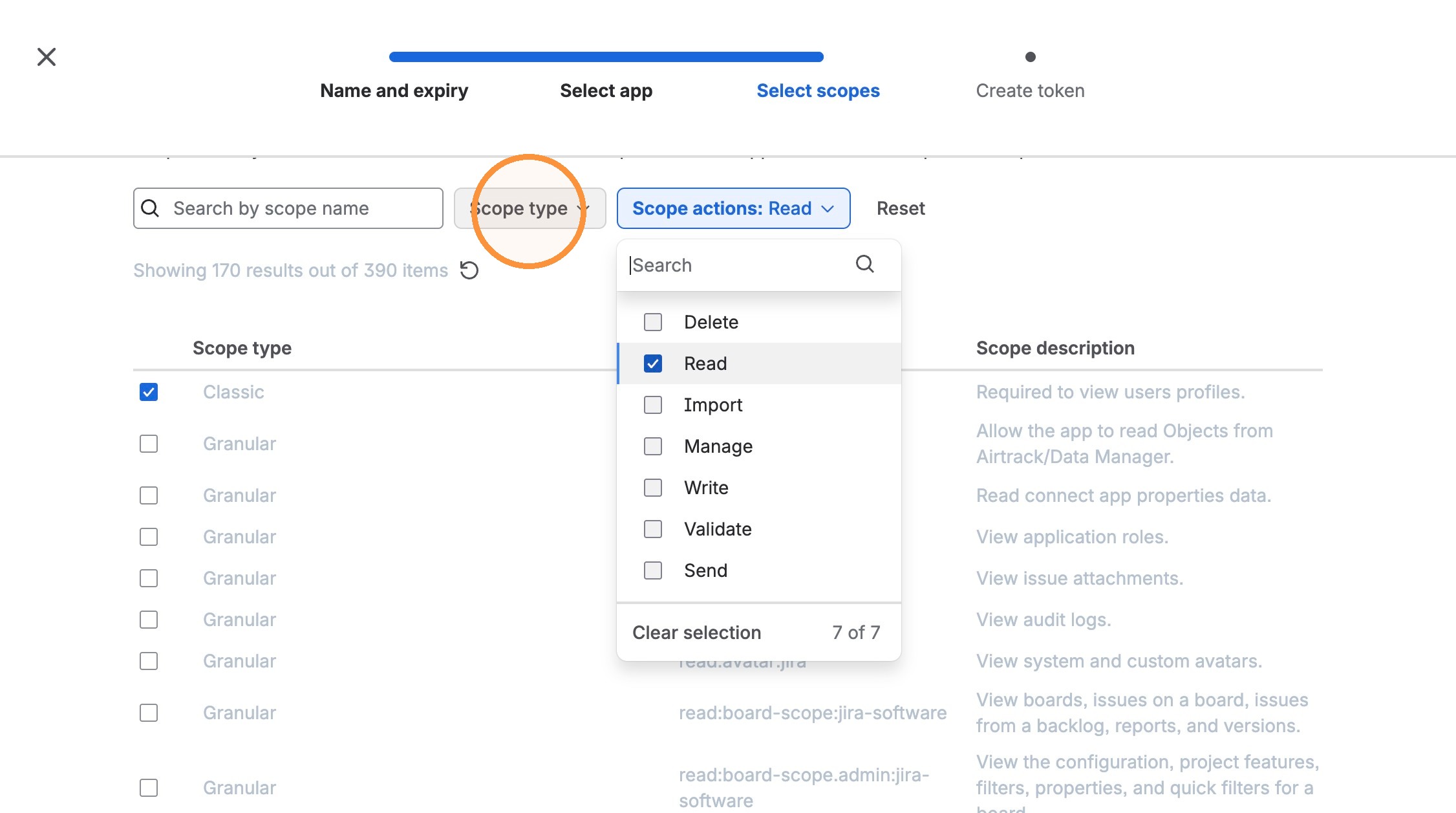
Click "Scope actions"
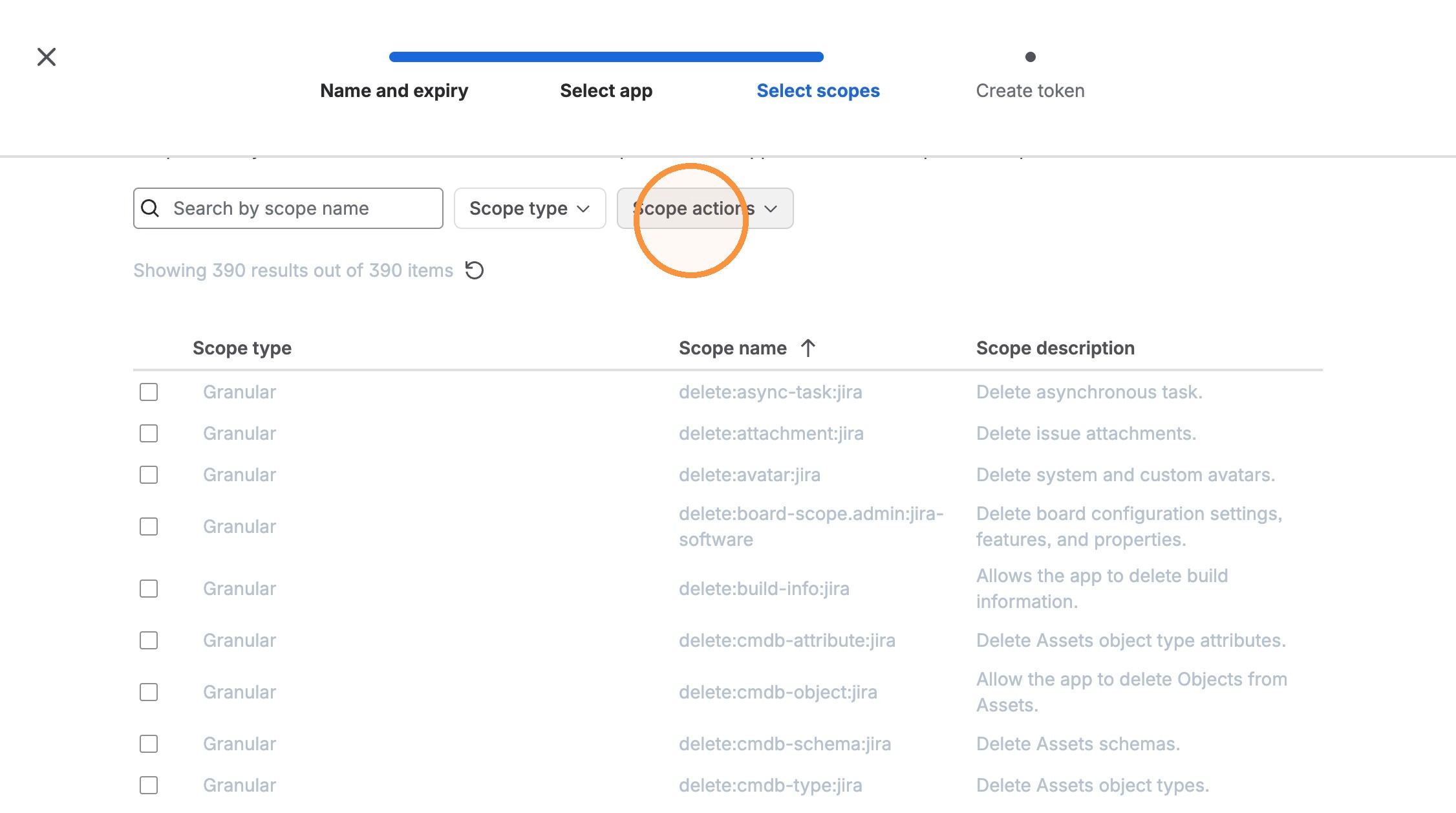
select 'Read'.
RevSure only needs read access!
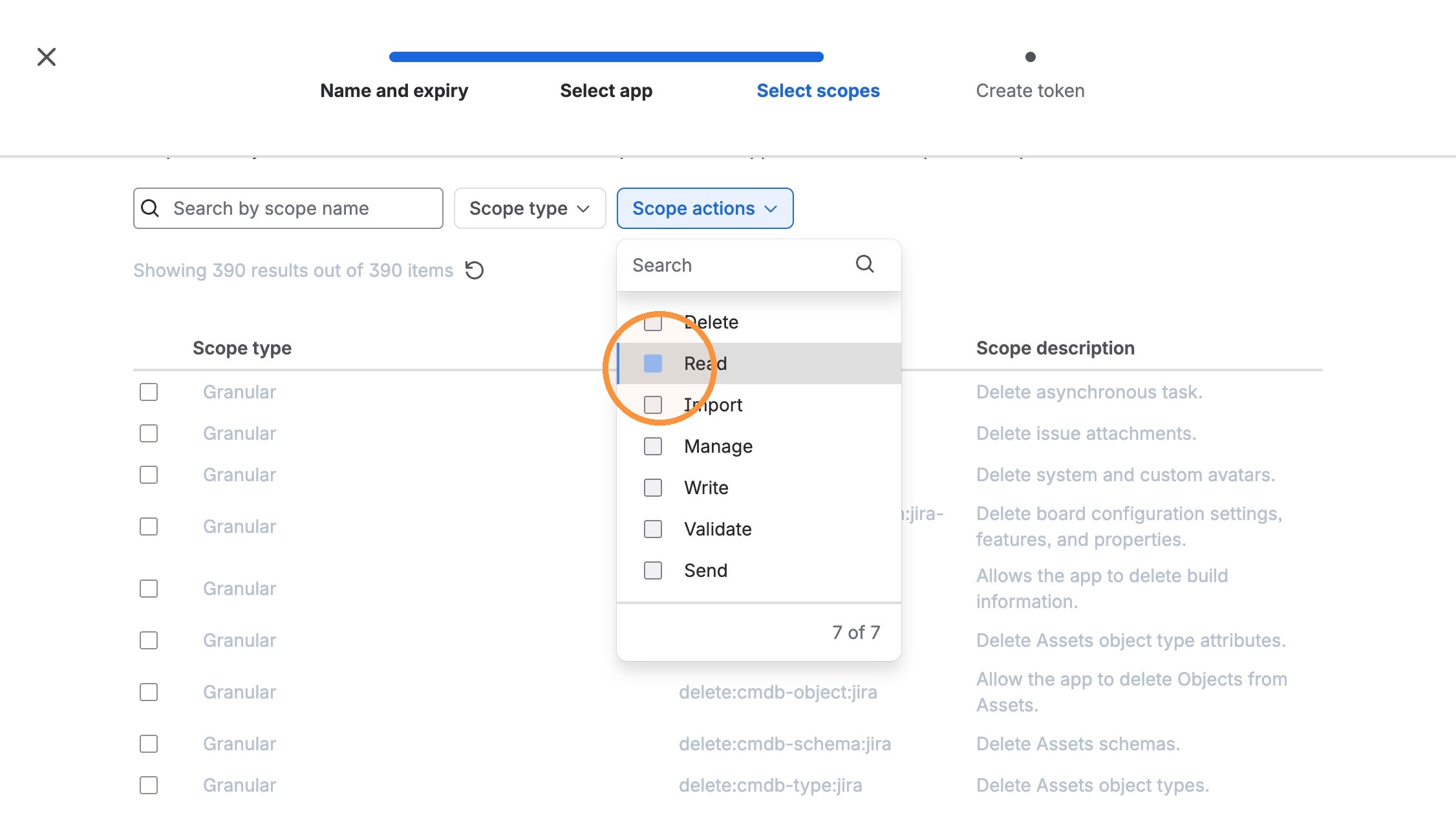
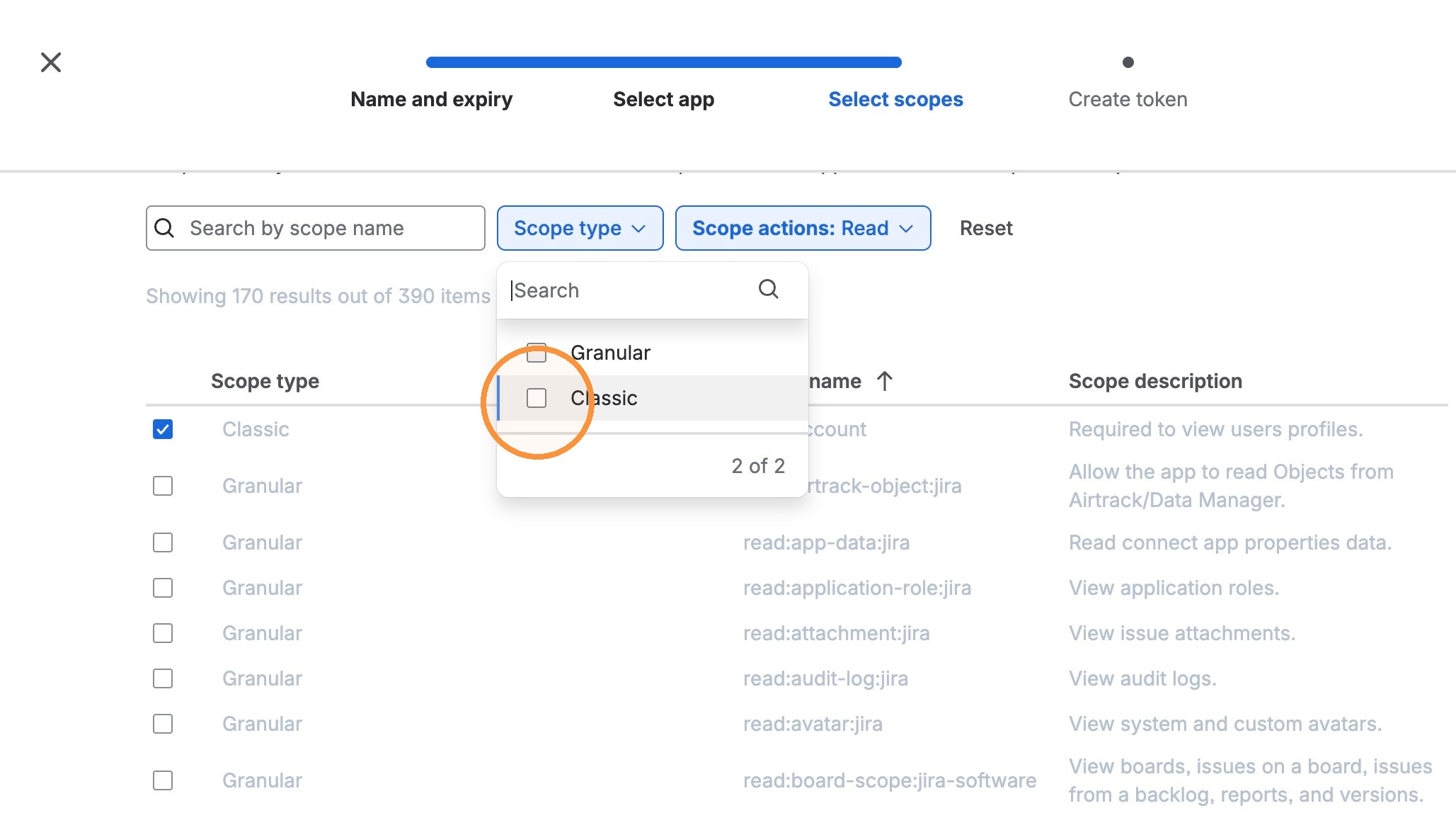
Click "Scope type"
Select 'Classic'
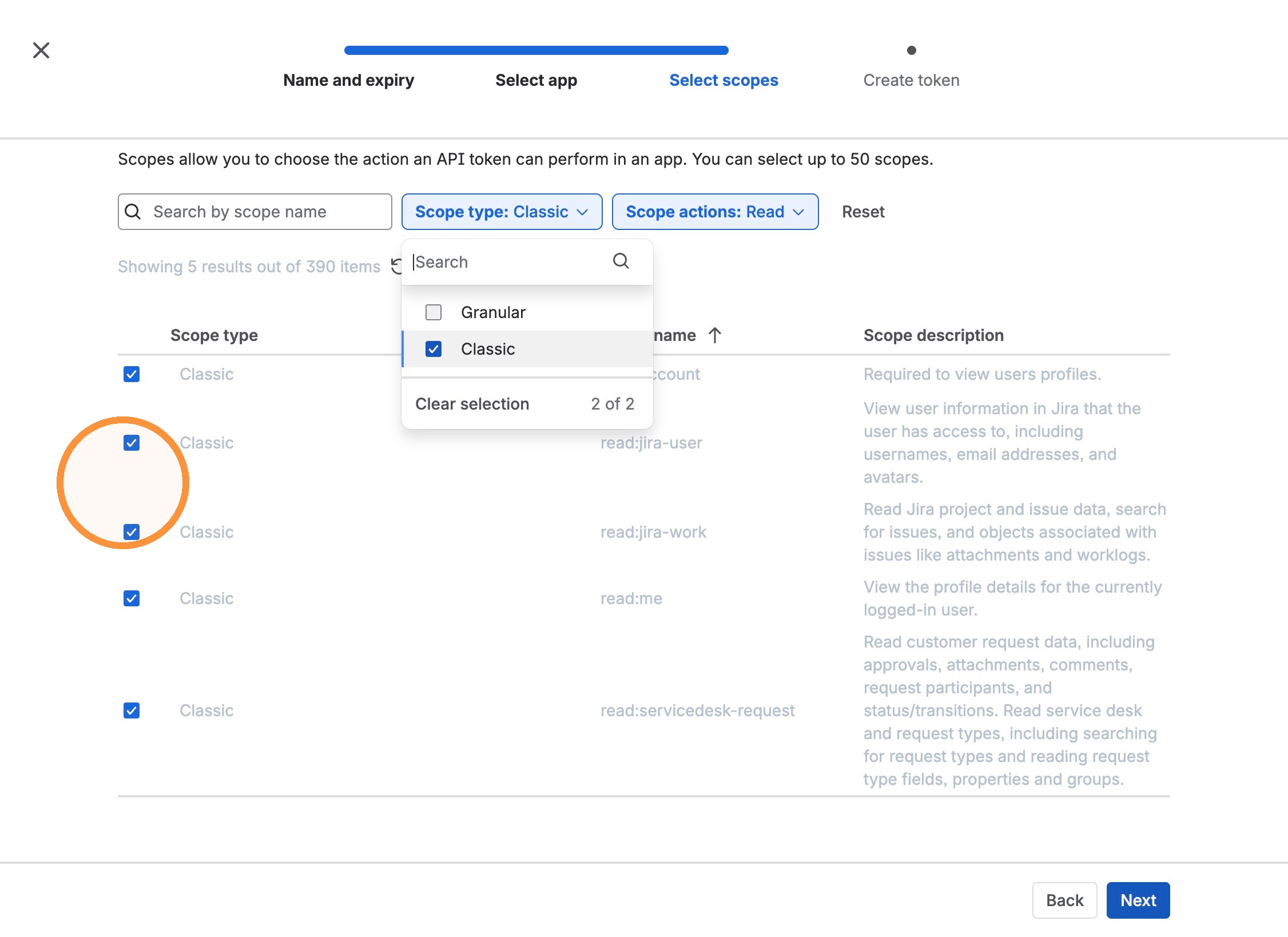
Select all the 5 scopes as shown below
Click "Create token"
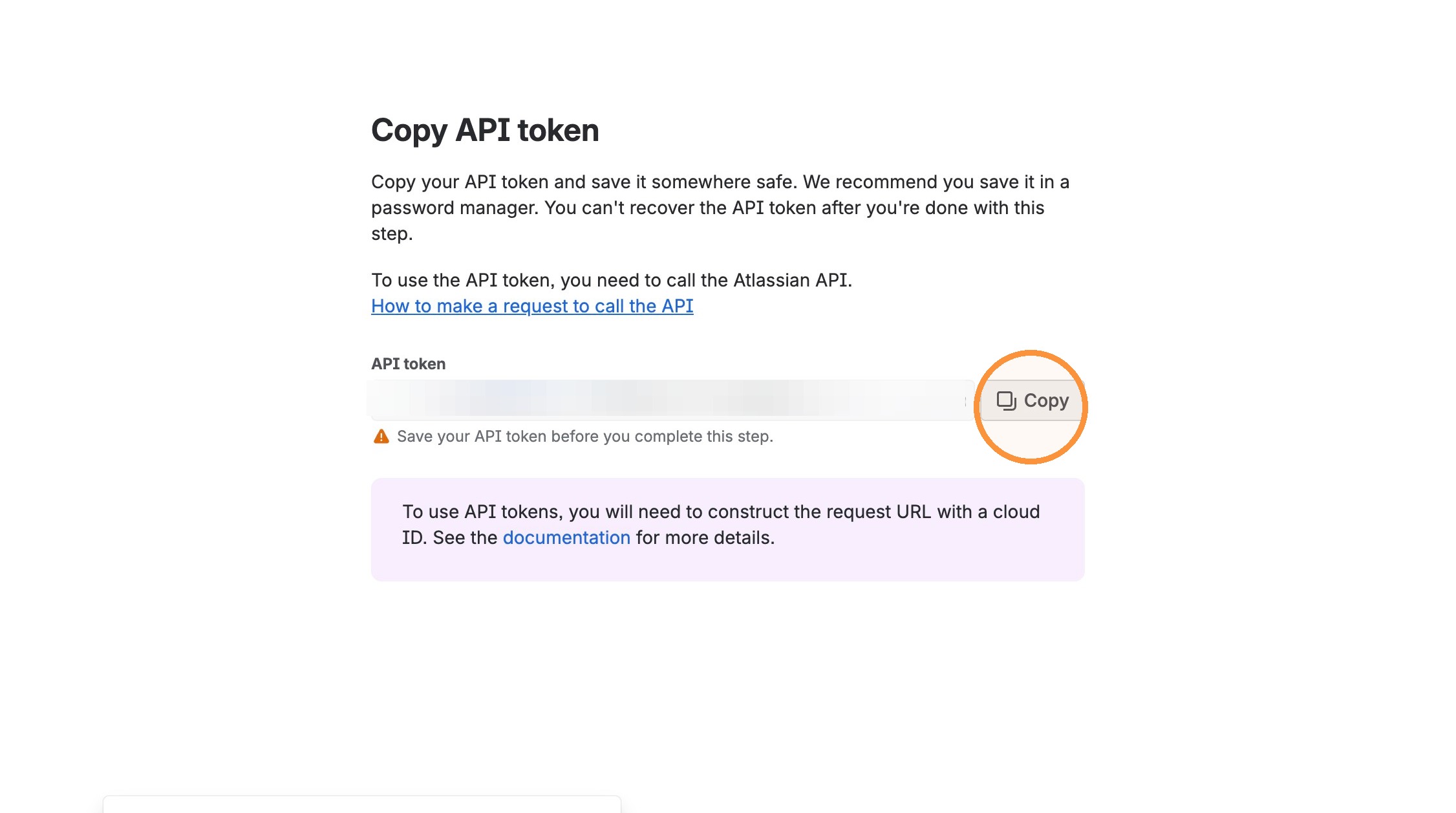
Copy the API token for future references. You need it in the next step for creating the connection in RevSure tab.
Switch to tab Add Data Source - Data Hub - RevSure"
Connection Completion
You have to fill in the same email id which you used for creating the token in https://id.atlassian.com/manage-profile/security/api-tokens
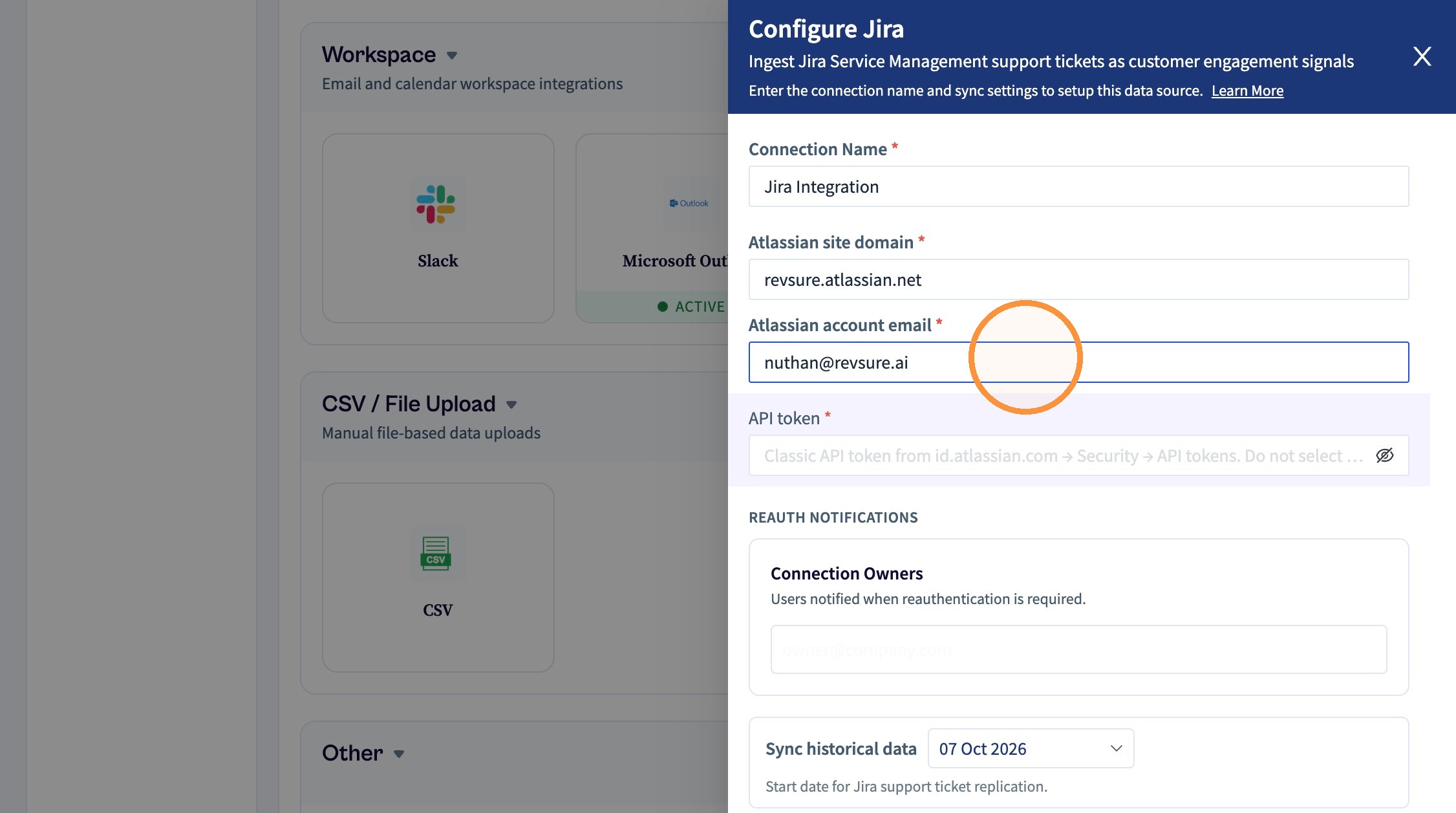
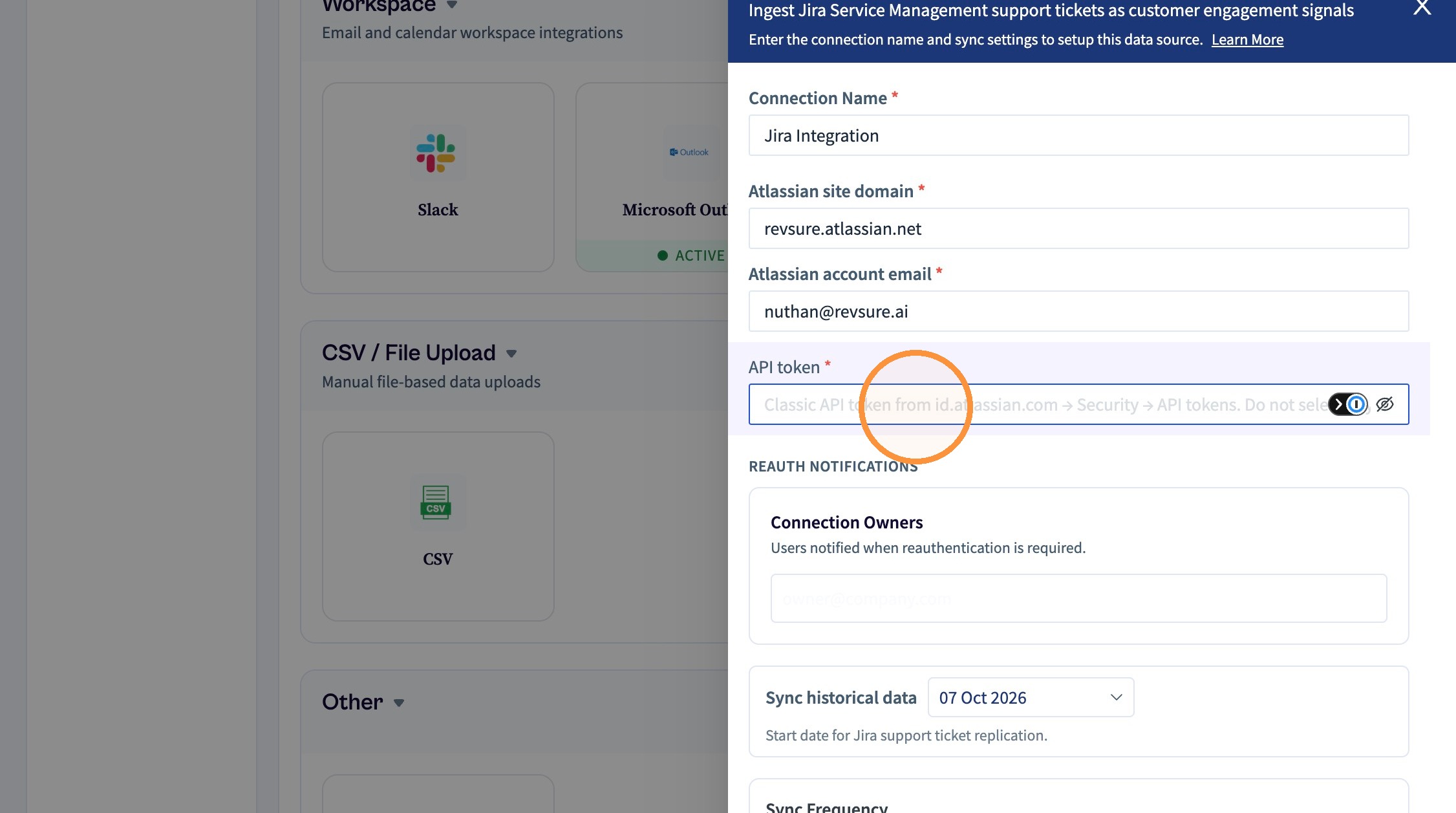
Paste the copied token.
Select historical sync date
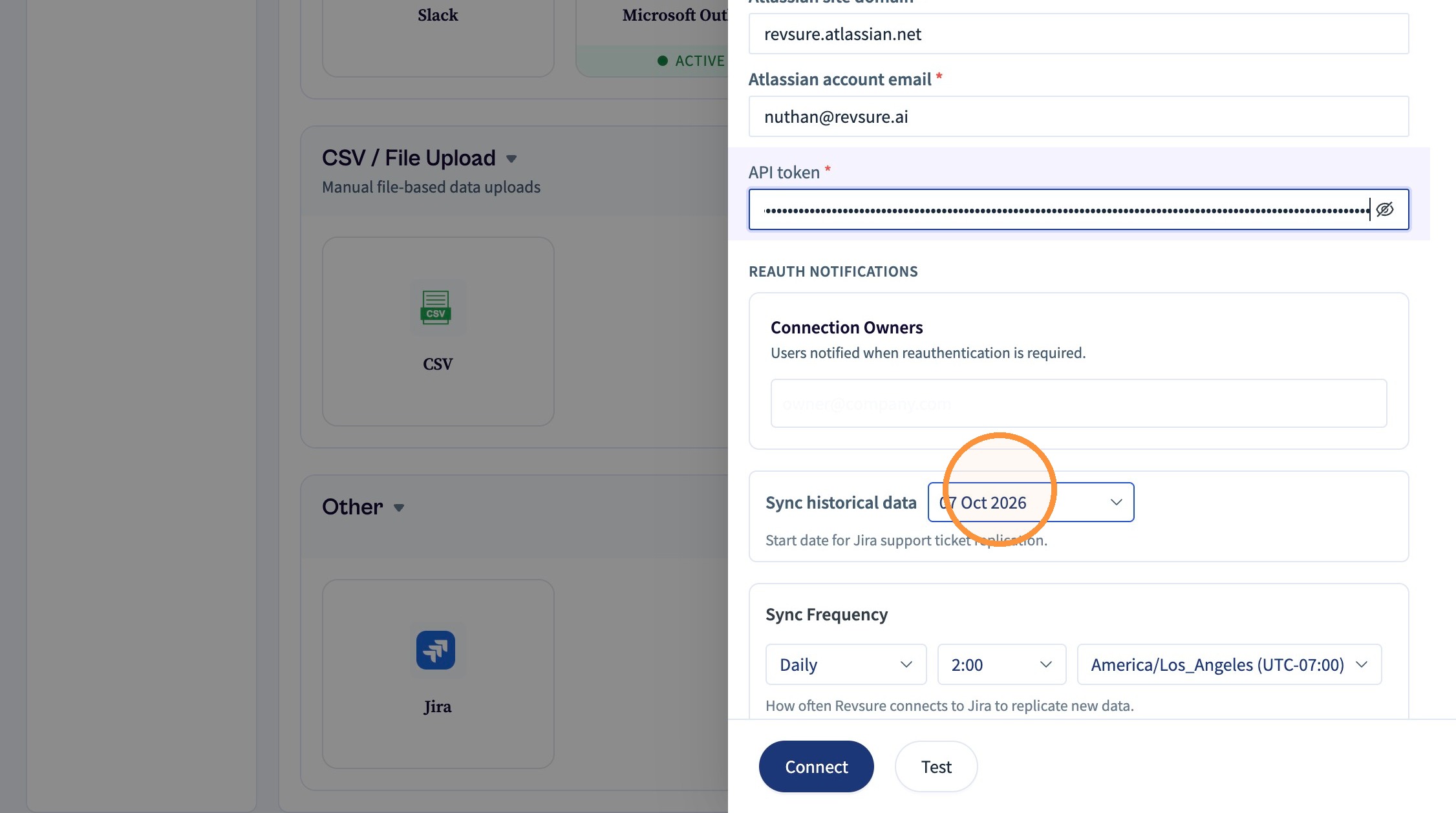
Click "Connect" and wait for 5-10 seconds
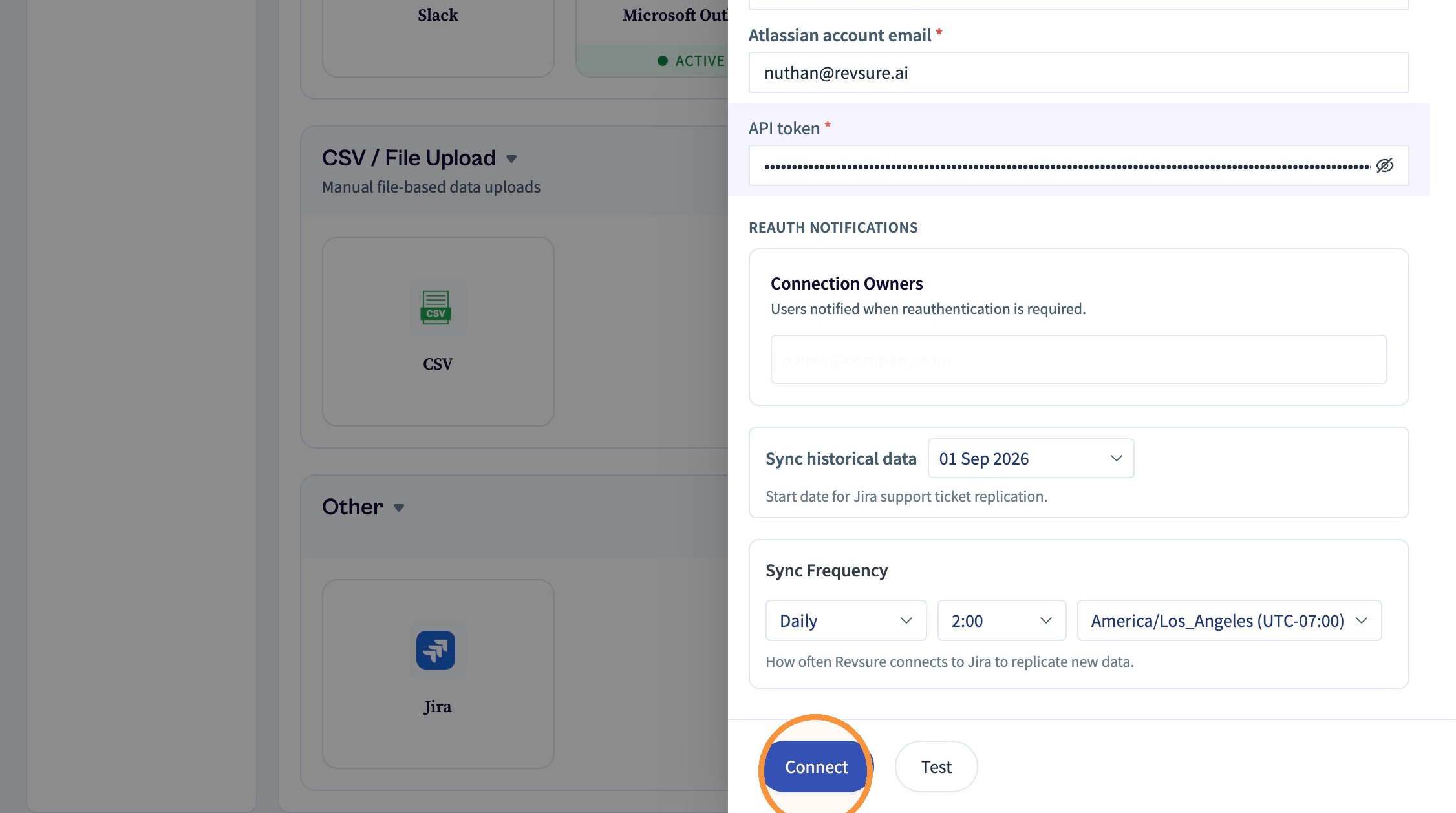
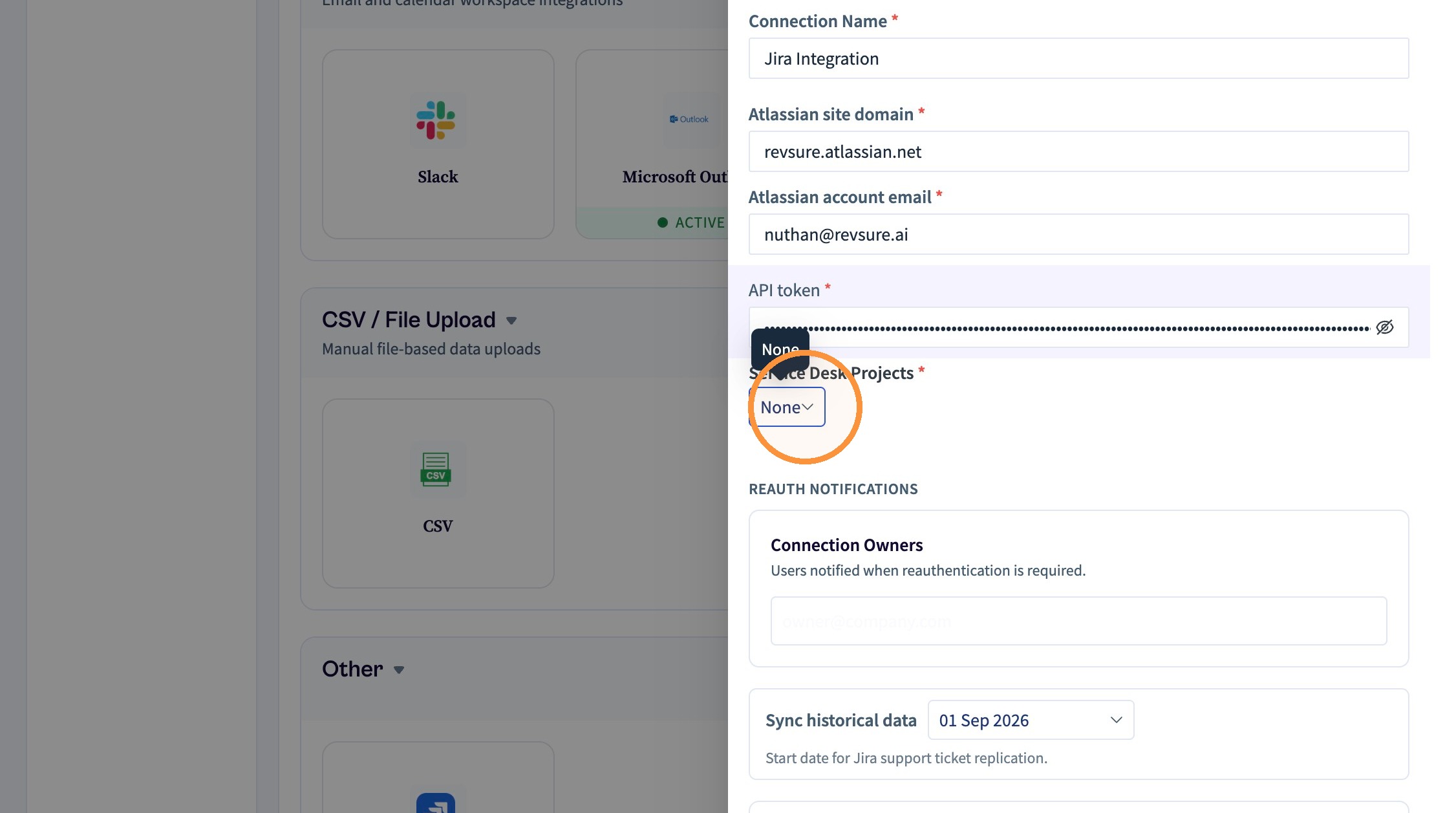
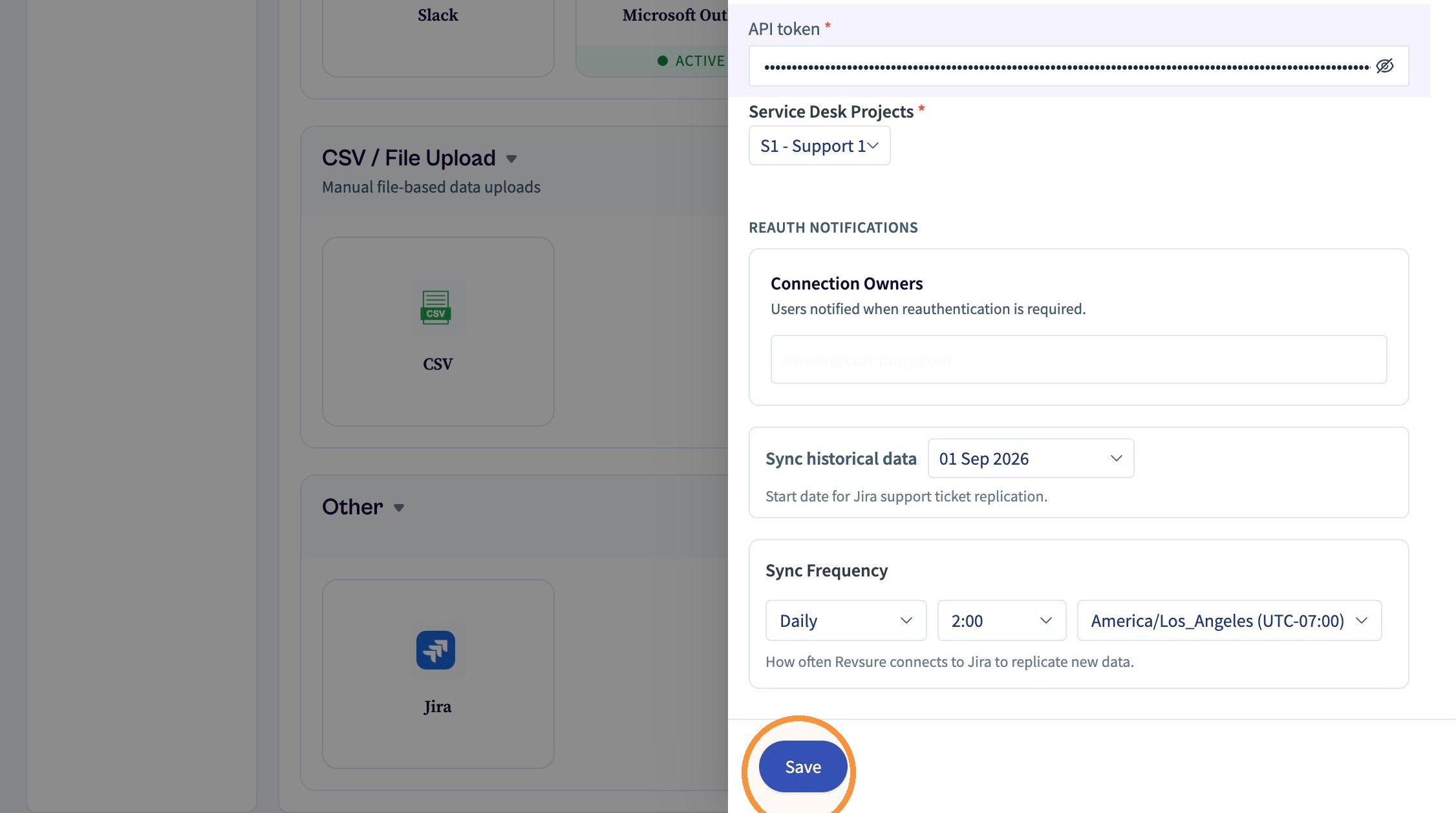
You will be able to see a project selection dropdown
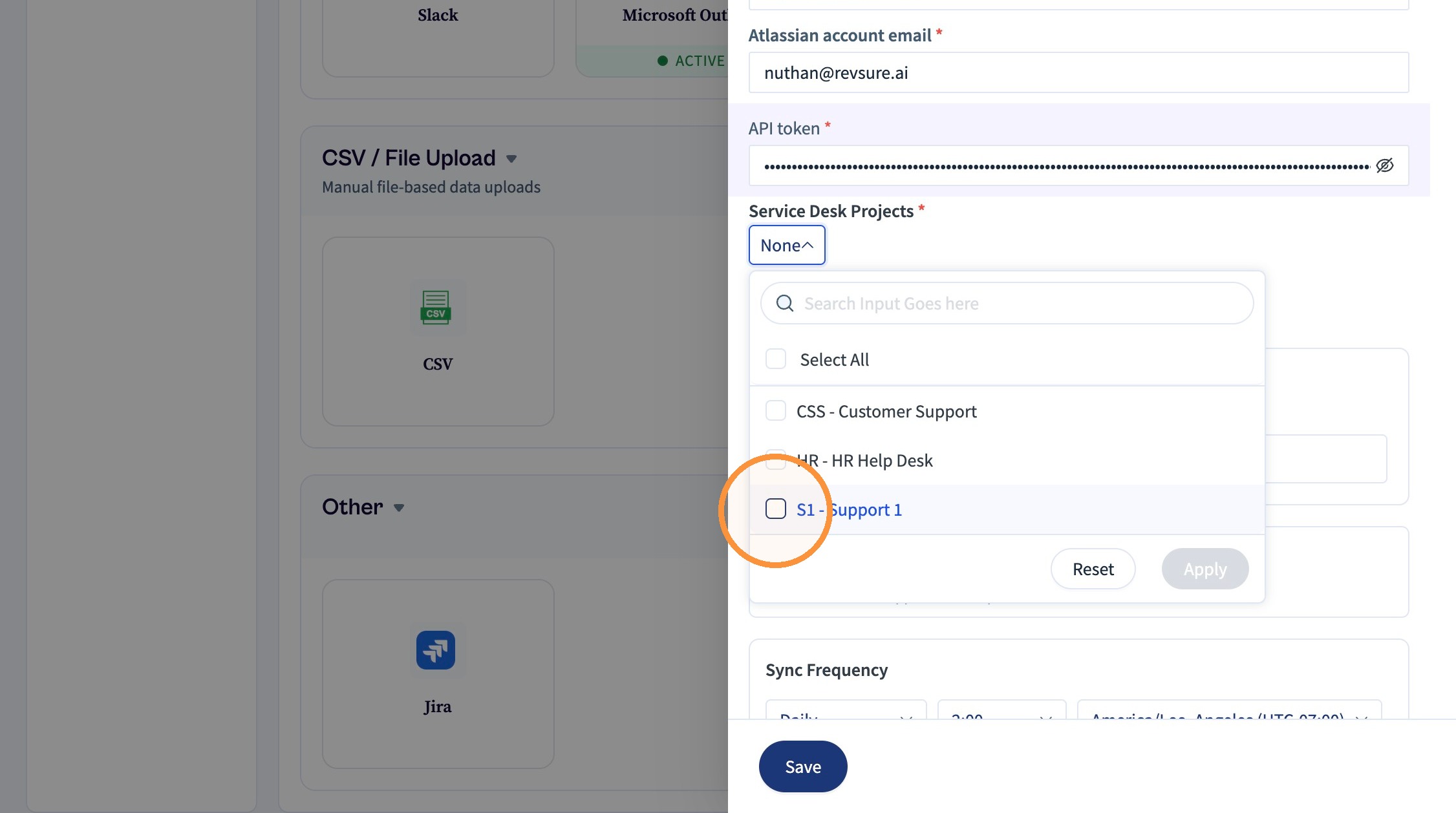
Select the projects that need to be synced.
Click "Apply"
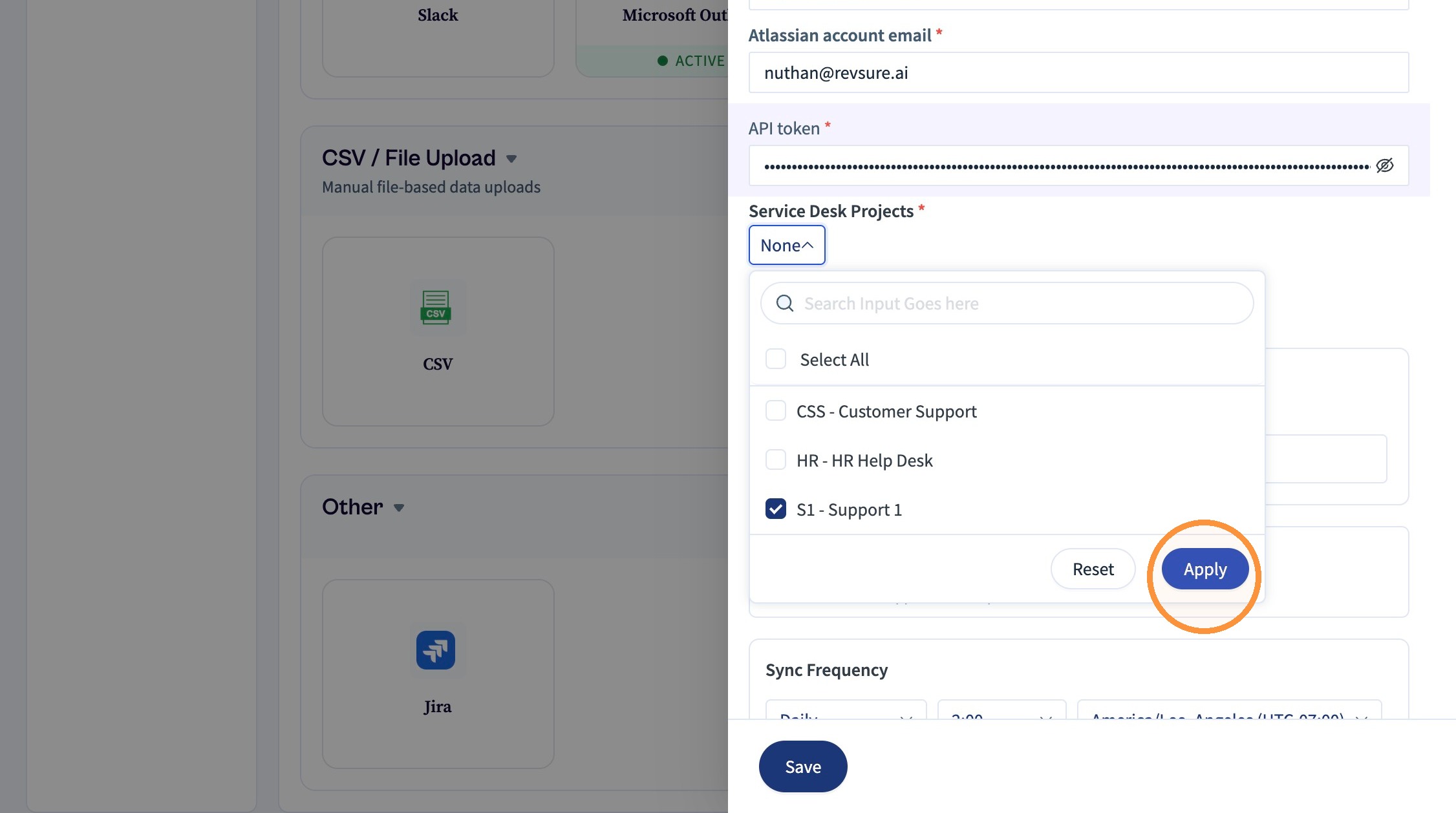
Click "Save"
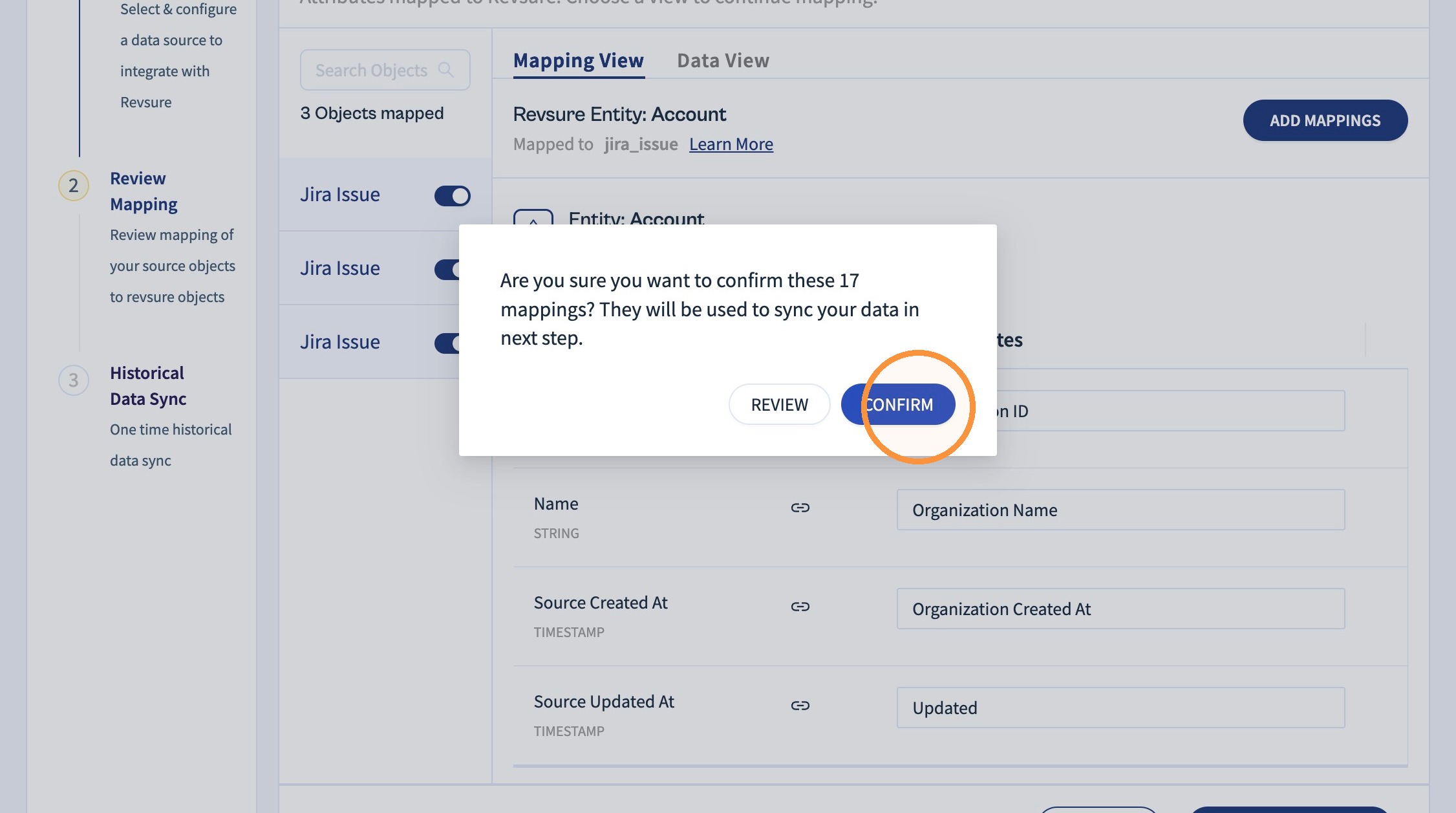
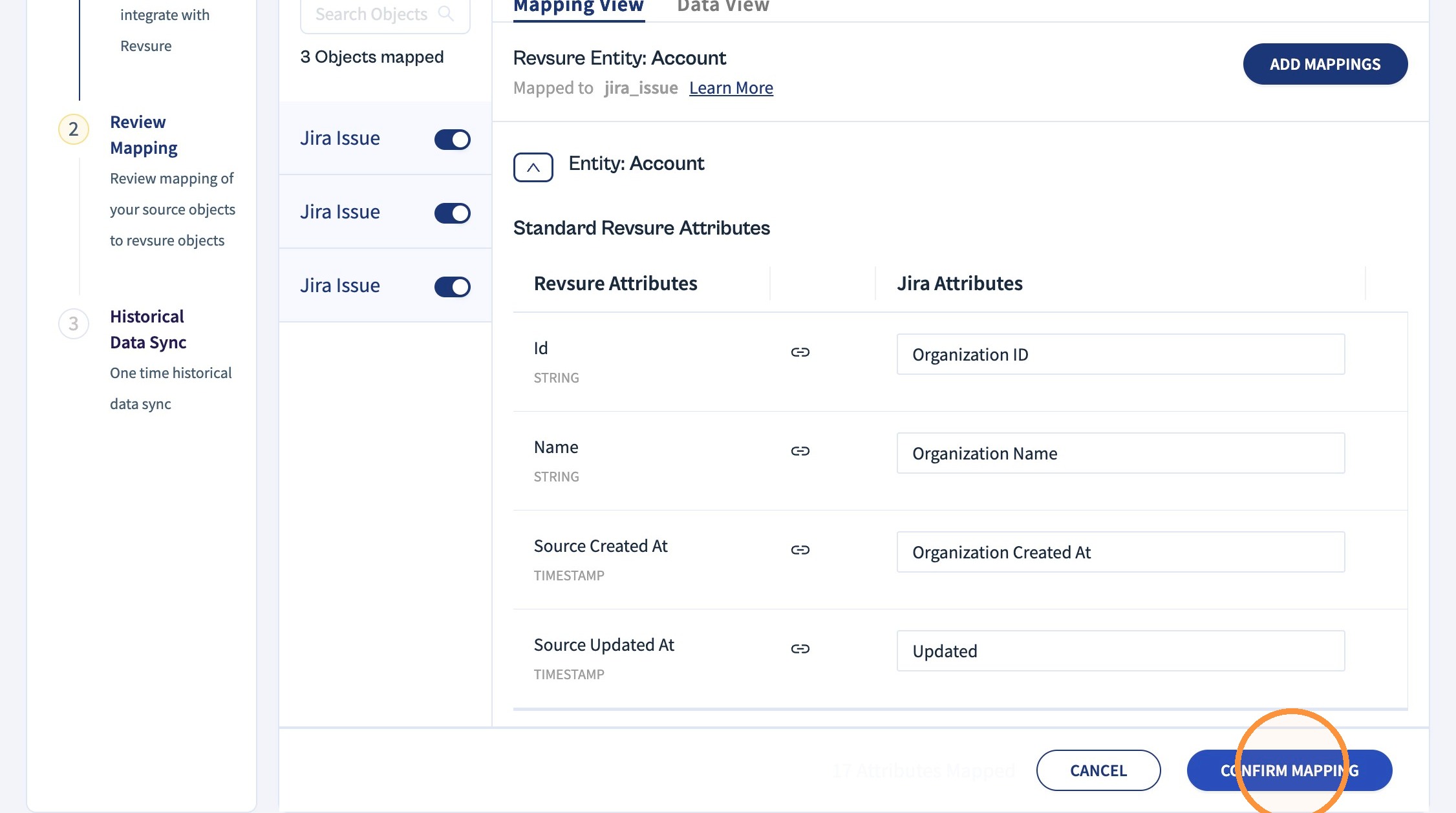
Click "Confirm Mapping"
Click "CONFIRM"