Introduction
This Page lets you configure the RevSure 360 dashboard. Everything that you see on the dashboard is configurable right from the filters to the key metrics section to the funnel table. All you have to do is Create the dimensions and metrics that you would like to analyze your data and bring them to the dashboard through this configuration.
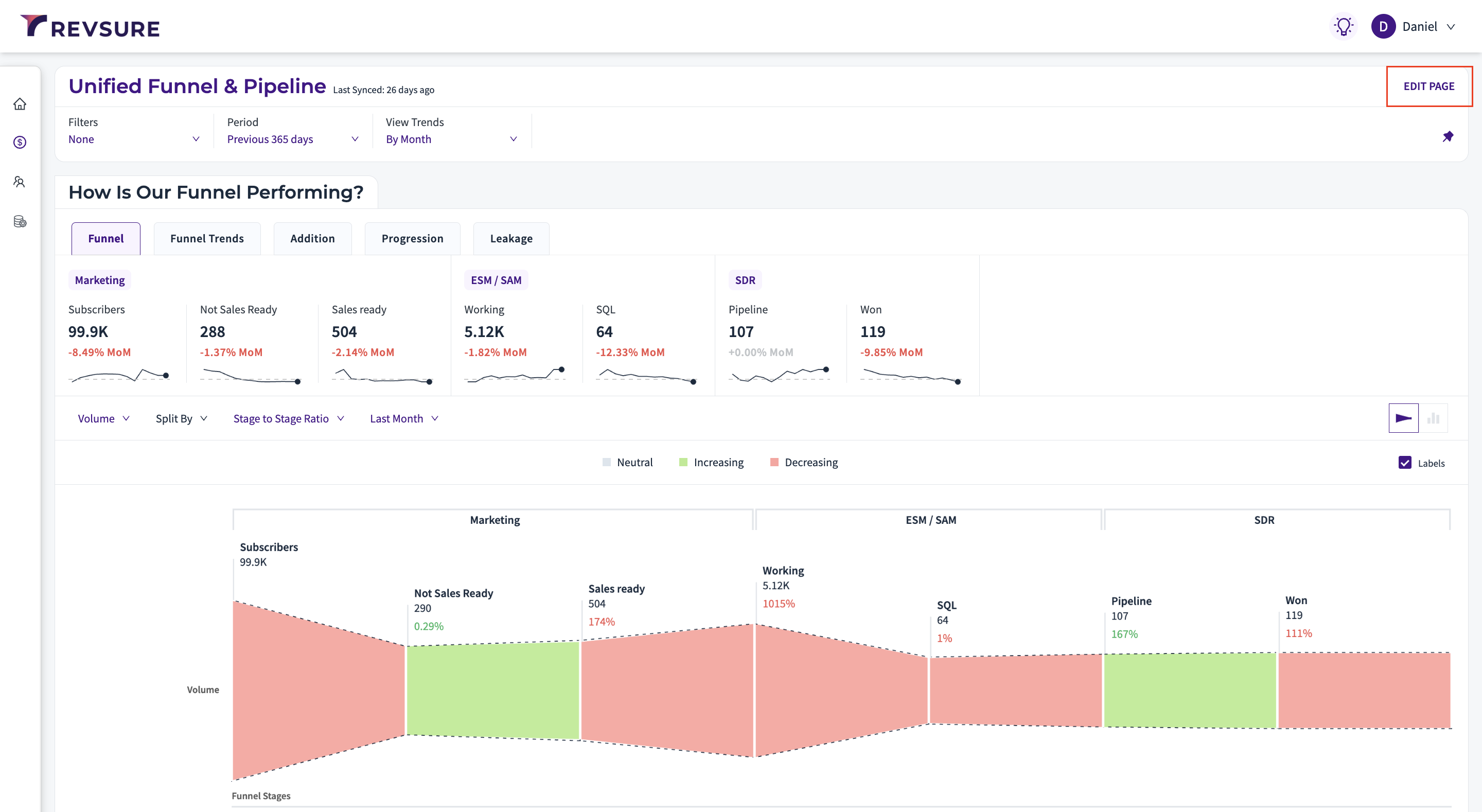
From any of the Sales Pipeline Readiness pages, Click on Edit Page from the top right.
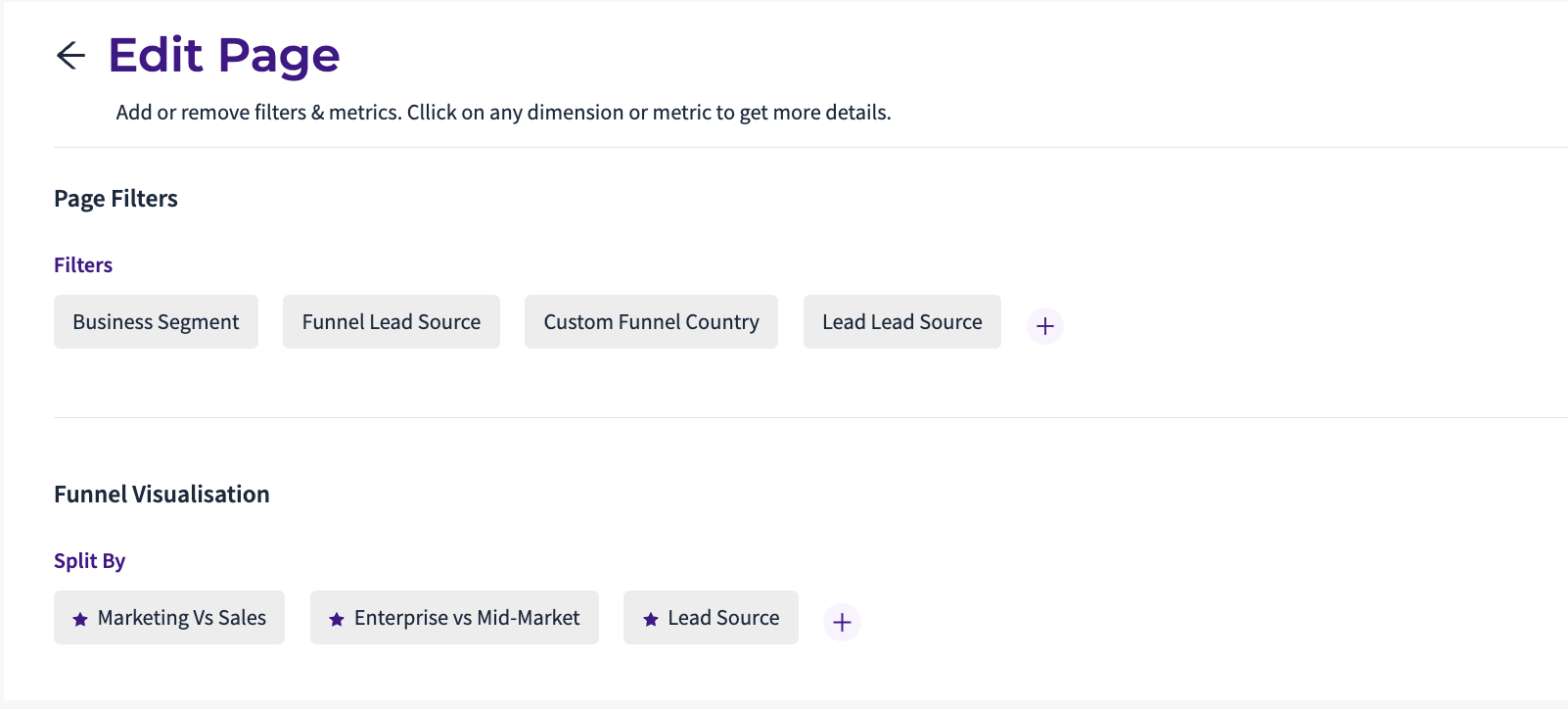
Page Filters
Page filters shows you a list of dimensions that are used as filters in the dashboard in the dashboard. If you like to add another dimension, that you want to use as a filter in the dimension,
Click the
 button.
Search and choose the dimension that you would like to add as a filter
Click on Add
Repeat steps 1-3 to add another dimension as a filter
To remove a filter, click on the Delete icon
 Splits
Splits are used to slice and dice your metrics, and can be used in the dashboard in the visualizations and tables. You can add any standard or custom dimension as a split using the same method.
Click the
button.Search and choose the dimension that you would like to add as a filter
Click on Add
Repeat steps 1-3 to add another dimension as a filter
To remove a filter, click on the Delete icon