About
Revsure acts like a magnifying glass for your marketing efforts, closely tracking how each campaign contributes to your revenue. It simplifies measuring your marketing impact, giving clear insights on where to focus your energy and budget for the best returns
To integrate Revsure Tracking SDK
- Select Revsure Tracking SDK on the Add Datasource page.
- On the Configure Revsure Tracking SDK page, enter the Connection Name.
Give a unique name to your instance.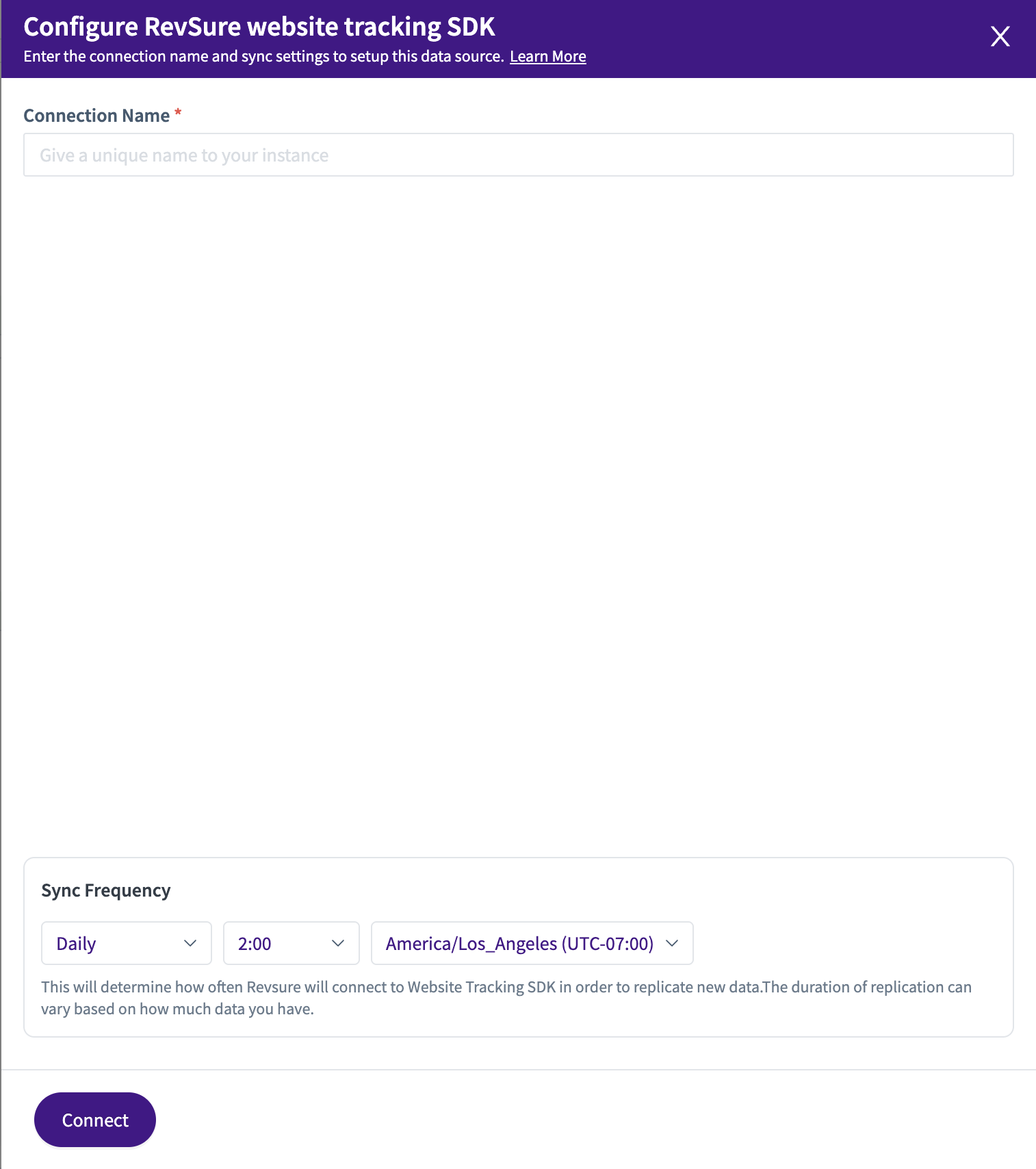
- Set the Sync Frequency. This determines how often Revsure will connect to Revsure Tracking to replicate new data. The duration of replication may vary depending on the available data. By default, the sync frequency is set to Daily.
- Click the Sync Frequency dropdown list to change the settings. Set how often you want to sync the historical data:
- Repeat: Select the frequency of syncing the data - Every 6 hours/ 12 hours/ daily
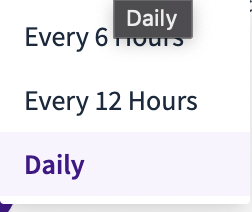 If you select Daily Sync:
⦁At: Select the time you want to sync the data..png)
- After setting the sync frequency, set the time zone for the time at which the sync should occur
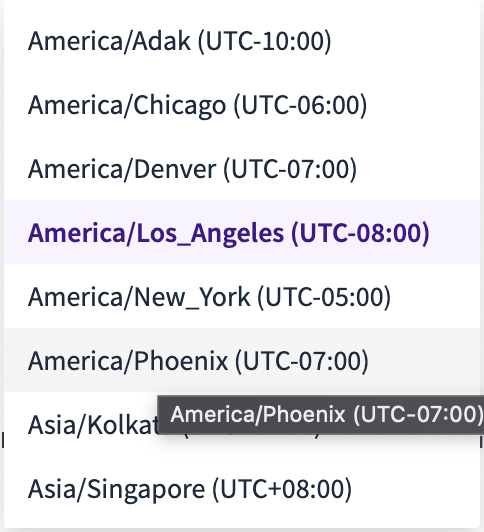 /* Add supported timezones screenshots /*
 - Click Connect.
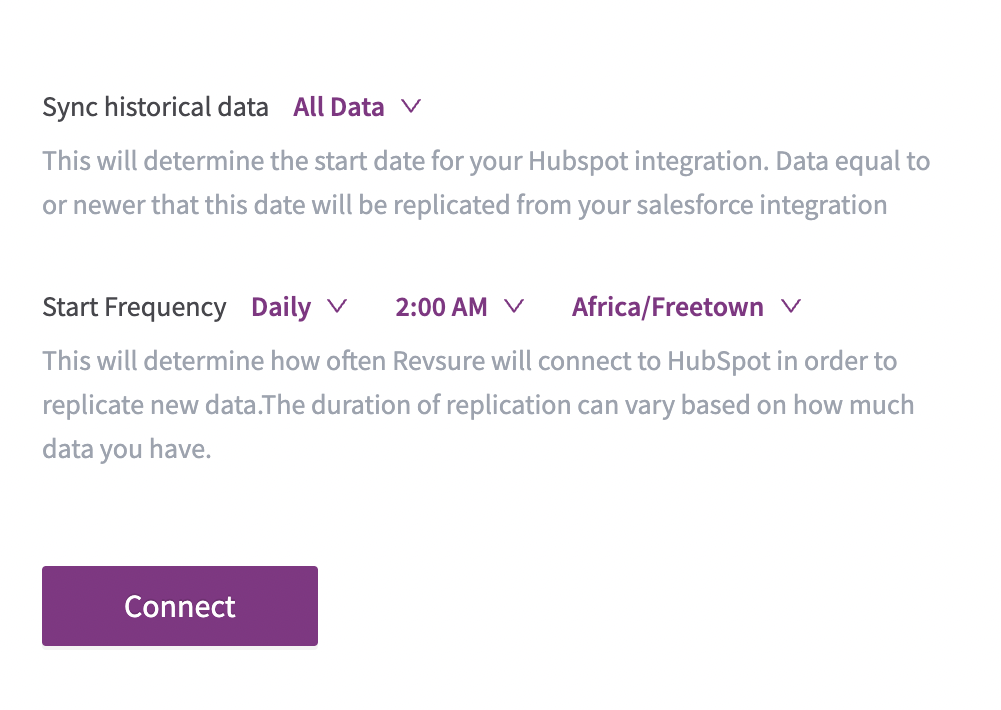
This takes you to the Revsure Tracking SDK login page
Enter your credentials to authenticate the connection.