Overview
Reli Chat is RevSure's generative AI assistant, designed to provide quick, accurate answers to your questions. With Reli Chat, you no longer need to navigate through individual modules to find the information you need. Just ask your question, and Reli will provide instant responses..png)
Supported Areas
Reli currently supports questions related to:
Unified Funnel and Pipeline
Demand Generation Effectiveness
Pipeline Projections
Journeys
Prioritization Modules (Lead, Opportunity, Accounts)
Entity Summary
View-Based Context
LinkedIn Profile Analysis
Agentic Insights
.png)
Using Reli
1. Start Asking Questions
Reli displays default questions from the Favourites List at launch.
Choose a question from your favourites list at launch or type your own query in the input box.
Reli will instantly provide an answer.
2. Manage Your Sessions
To clear the current conversation thread, click New Thread. This action moves all previously asked questions to the Threads section
You can retrieve answers from the Threads section anytime
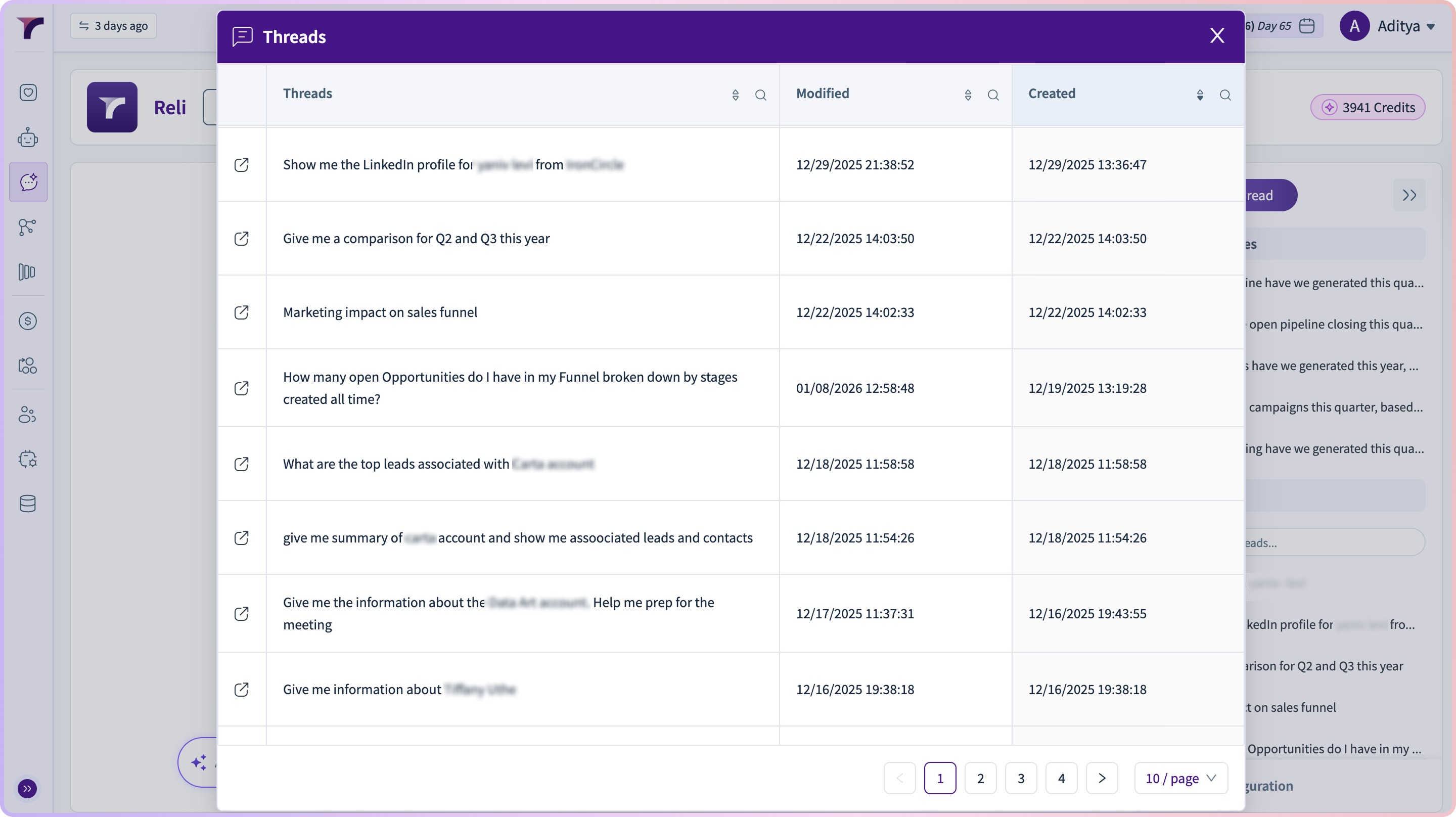
3. Improve Answer Accuracy
Use the feedback options to improve Reli's accuracy:
Click Thumbs Up if the answer is correct.
Click Thumbs Down if the answer is incorrect.
4. Add to Favourites
You can mark questions as favourites for future reference by clicking the Mark as Favourite button.
Notes
Reli strives for maximum accuracy. However, the responses are not completely error-free.
Reli evolves with your feedback, ensuring better responses over time.